> ## Documentation Index
> Fetch the complete documentation index at: https://sentiment-docs.arhamwebworks.com/llms.txt
> Use this file to discover all available pages before exploring further.
# Ateliers
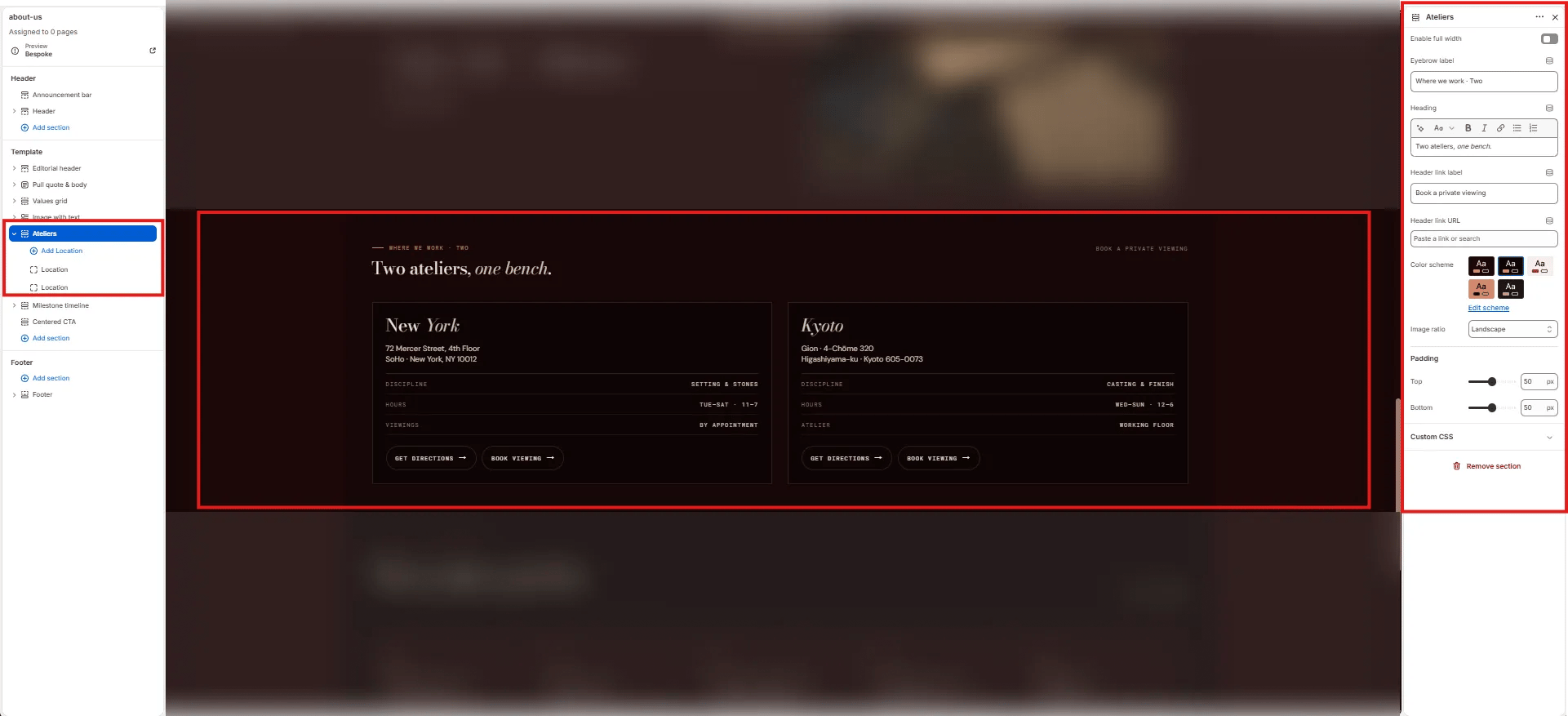
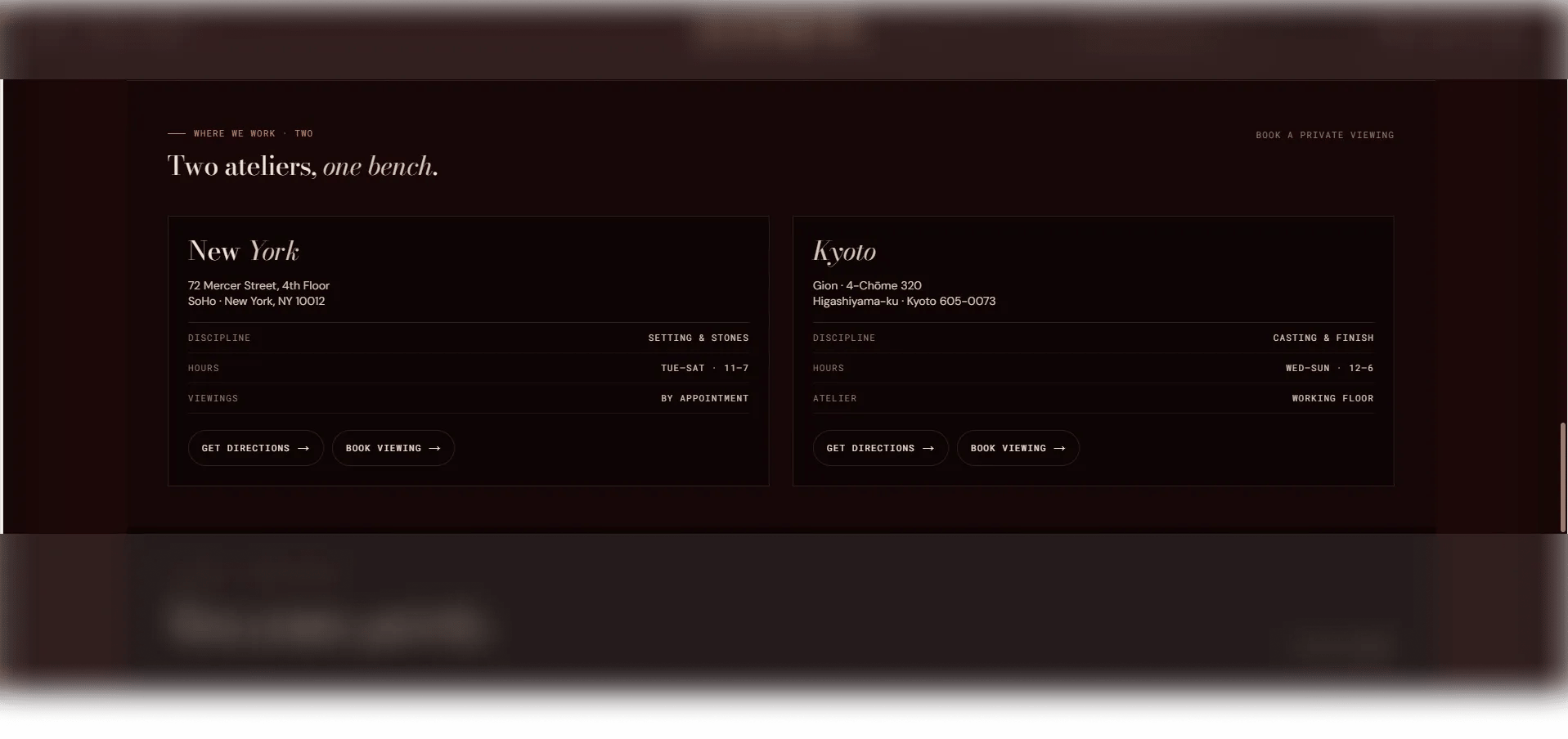
The **Ateliers** section displays a grid of studio or store location cards. Each card includes a location image, city name, address lines, configurable detail rows for hours and policies, and action links for directions and private viewing bookings. It's designed for brands with physical spaces to showcase their ateliers, showrooms, or retail locations.
 ### How to Add the Section
1. From your Shopify admin, go to **Online Store → Themes** and click **Customize**.
2. Navigate to the page where you want to add this section.
3. Click **Add section** and select **Ateliers**.
4. Add one **Atelier** block per location and configure each one.
5. Click **Save**.
### Section Settings
#### Content
* **Eyebrow:** Small label displayed above the heading.
* **Heading:** Main section heading. Supports rich text formatting.
* **Link label / Link URL:** An optional section-level CTA link displayed beside or below the heading.
#### Display
* **Full width:** When enabled, the section stretches edge-to-edge.
* **Image ratio:** Aspect ratio for all location card images — Portrait, Square, Landscape, or Adapt.
#### Style
* **Color scheme:** Choose a color scheme for the section.
#### Spacing
* **Padding top / Padding bottom:** Control vertical spacing around the section.
***
### Atelier Block Settings
Each Atelier block represents one studio or store location. Add one block per location.
#### Image & Identity
* **Image:** Upload a photo of the atelier or studio space.
* **City:** The city name for this location. Supports rich text and italic emphasis.
#### Address
* **Address 1 / Address 2:** Street address lines for the location.
#### Details
* **Row 1–3 (Key / Value):** Up to three configurable detail rows for displaying additional information such as opening hours, appointment requirements, or contact details (e.g., "Hours / Tue–Sat, 10–6").
#### Actions
* **Directions label / URL:** The label and link for a "get directions" CTA (e.g., linking to Google Maps).
* **Viewing label / URL:** The label and link for a private viewing booking CTA.
### How to Add the Section
1. From your Shopify admin, go to **Online Store → Themes** and click **Customize**.
2. Navigate to the page where you want to add this section.
3. Click **Add section** and select **Ateliers**.
4. Add one **Atelier** block per location and configure each one.
5. Click **Save**.
### Section Settings
#### Content
* **Eyebrow:** Small label displayed above the heading.
* **Heading:** Main section heading. Supports rich text formatting.
* **Link label / Link URL:** An optional section-level CTA link displayed beside or below the heading.
#### Display
* **Full width:** When enabled, the section stretches edge-to-edge.
* **Image ratio:** Aspect ratio for all location card images — Portrait, Square, Landscape, or Adapt.
#### Style
* **Color scheme:** Choose a color scheme for the section.
#### Spacing
* **Padding top / Padding bottom:** Control vertical spacing around the section.
***
### Atelier Block Settings
Each Atelier block represents one studio or store location. Add one block per location.
#### Image & Identity
* **Image:** Upload a photo of the atelier or studio space.
* **City:** The city name for this location. Supports rich text and italic emphasis.
#### Address
* **Address 1 / Address 2:** Street address lines for the location.
#### Details
* **Row 1–3 (Key / Value):** Up to three configurable detail rows for displaying additional information such as opening hours, appointment requirements, or contact details (e.g., "Hours / Tue–Sat, 10–6").
#### Actions
* **Directions label / URL:** The label and link for a "get directions" CTA (e.g., linking to Google Maps).
* **Viewing label / URL:** The label and link for a private viewing booking CTA.