> ## Documentation Index
> Fetch the complete documentation index at: https://sentiment-docs.arhamwebworks.com/llms.txt
> Use this file to discover all available pages before exploring further.
# Blog post
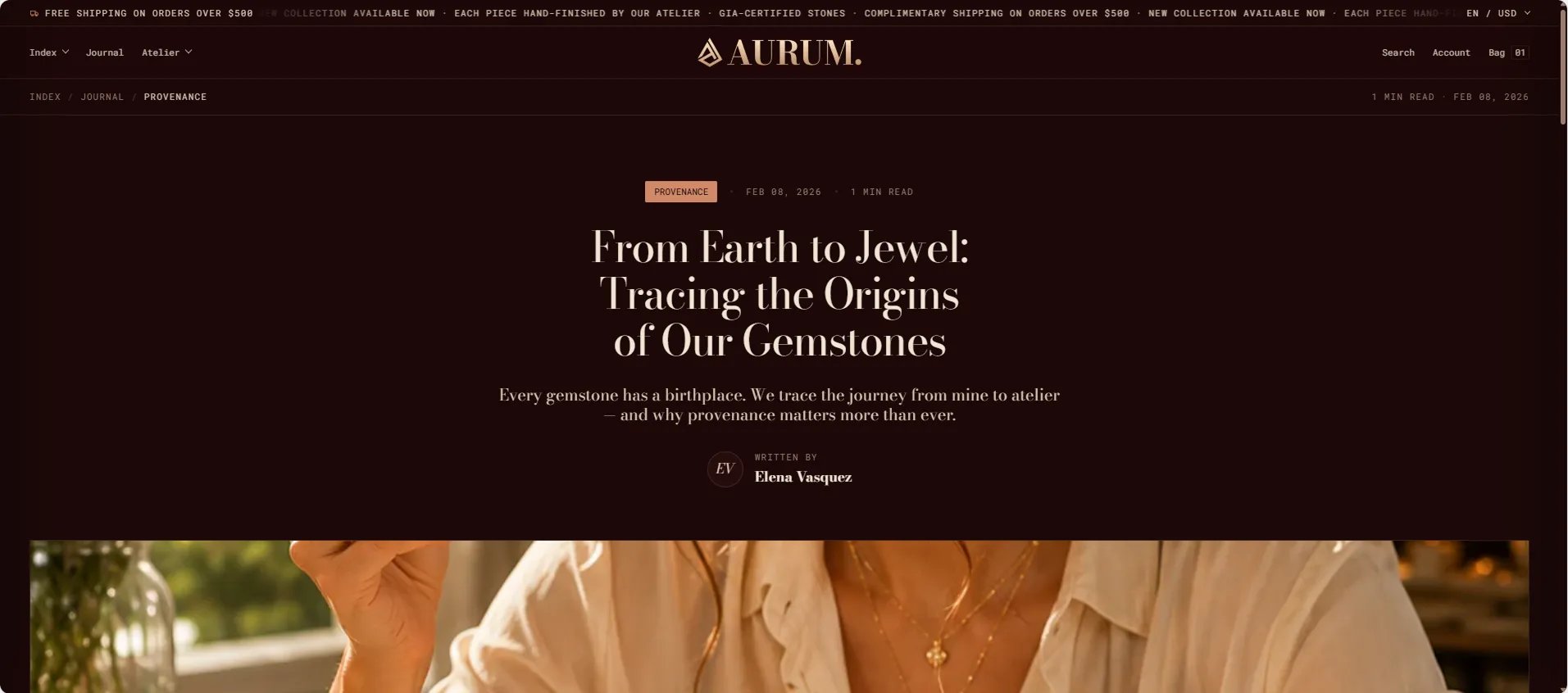
The **Default Blog Post** template in the Sentiment theme is built from two sections — the **Article** section that renders the full article content, and a **Newsletter** signup section at the bottom of the post. Each can be configured independently from the Theme Editor.
 ### How to Configure the Blog Post Page
1. From your Shopify admin, go to **Online Store → Themes** and click **Customize**.
2. From the top page dropdown, select **Blogs → Default blog post** (or navigate to any specific article).
3. Click **Article** or **Newsletter** in the left sidebar under **Template** to configure each section.
4. Click **Save** when done.
The blog post template contains these sections:
* **Article** — renders the full article with hero image, body, sharing, comments, and related posts
* **Newsletter** — email signup displayed at the bottom of every post
***
### Article Section Settings
The Article section controls every aspect of how each individual blog post is displayed — from the hero image and reading progress bar to the table of contents, comments, and related article grid.
### How to Configure the Blog Post Page
1. From your Shopify admin, go to **Online Store → Themes** and click **Customize**.
2. From the top page dropdown, select **Blogs → Default blog post** (or navigate to any specific article).
3. Click **Article** or **Newsletter** in the left sidebar under **Template** to configure each section.
4. Click **Save** when done.
The blog post template contains these sections:
* **Article** — renders the full article with hero image, body, sharing, comments, and related posts
* **Newsletter** — email signup displayed at the bottom of every post
***
### Article Section Settings
The Article section controls every aspect of how each individual blog post is displayed — from the hero image and reading progress bar to the table of contents, comments, and related article grid.
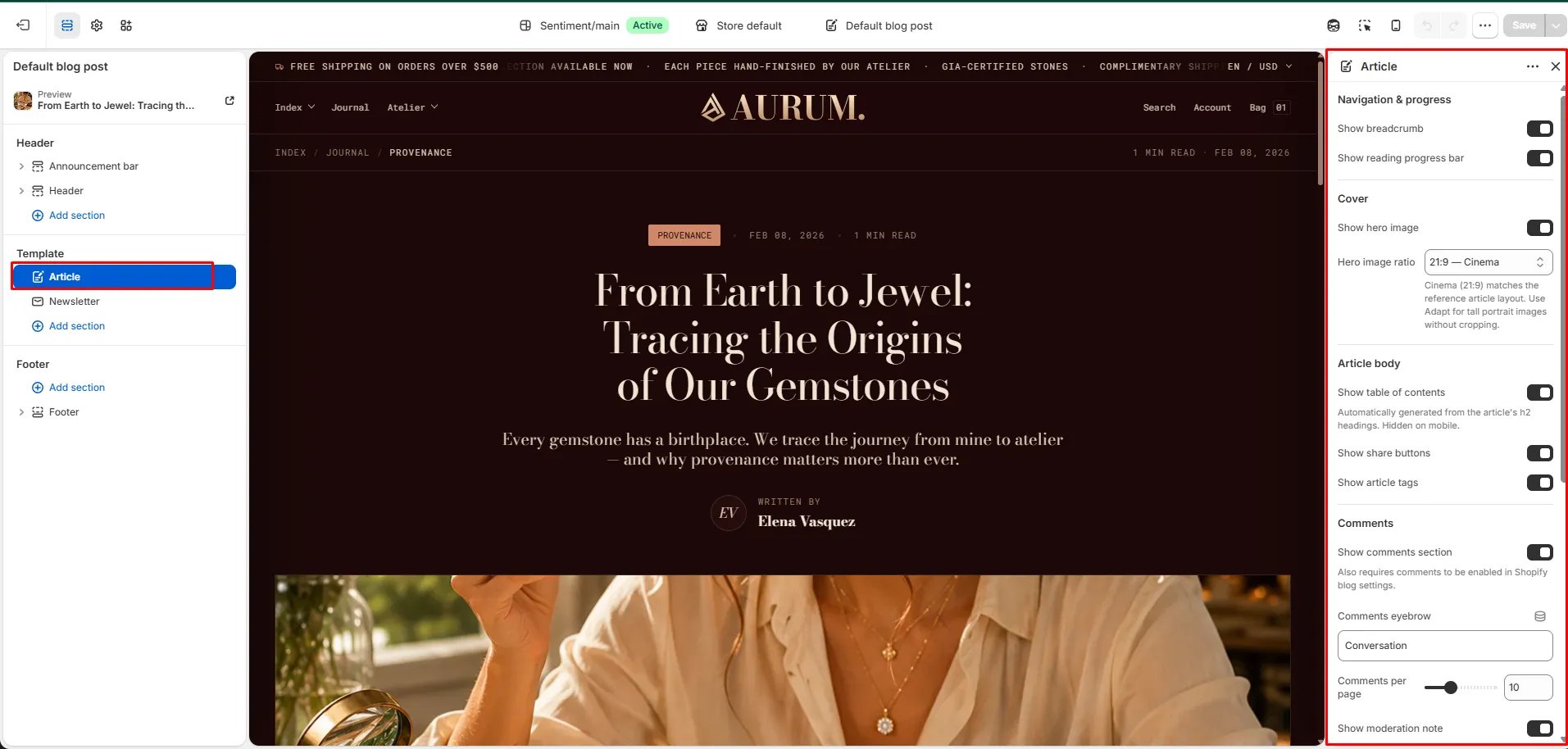 #### Reading Experience
* **Show reading progress:** When enabled, a thin progress bar appears at the top of the browser window indicating how far the reader has scrolled through the article.
* **Show hero image:** Toggle to show or hide the article's featured image at the top of the post.
* **Hero image ratio:** Sets the aspect ratio of the hero image — Adapt (original), Cinema (21:9), Wide, or Landscape.
* **Show table of contents:** Automatically generates a floating table of contents from all H2 headings in the article body.
#### Sharing & Tags
* **Show share:** Displays social sharing links below the article body.
* **Show tags:** Displays the article's tags as clickable chips for related content discovery.
#### Comments
* **Show comments:** Renders the Shopify comments section below the article. Requires blog comments to be enabled in **Shopify Admin → Content → Blogs**.
* **Comments eyebrow:** Small label above the comments section heading.
* **Comments per page:** Number of comments shown per page (range: 5–20).
* **Show moderation note:** Displays a notice that new comments are held for moderation before appearing publicly.
#### Related Content
* **Show related articles:** Displays a grid of related articles at the bottom of the page.
* **Related count:** Number of related articles to show (range: 1–4).
* **Show previous / next:** Displays navigation links to the previous and next article in the blog. Works for blogs with up to 50 articles.
#### Style
* **Color scheme:** Choose a color scheme for the article section.
***
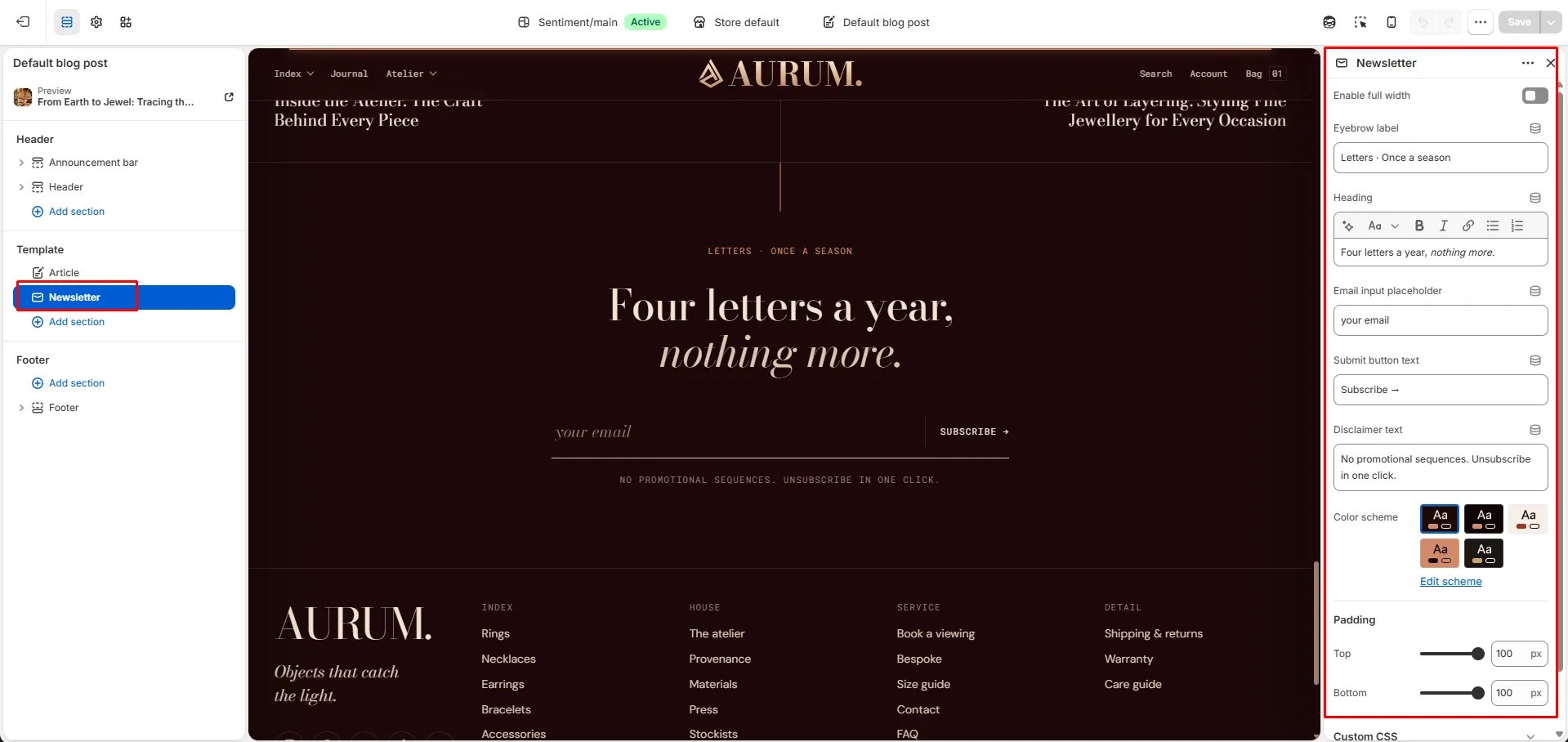
### Newsletter Section Settings
The Newsletter section appears at the bottom of every blog post as a full-width email signup, giving readers an easy way to subscribe after finishing an article.
* **Heading:** Heading above the signup form (e.g., "Stay in the loop").
* **Subtext:** Supporting text below the heading.
* **Email placeholder:** Placeholder text inside the email field.
* **Submit text:** Label on the submit button.
* **Success text:** Message shown after a successful subscription.
* **Color scheme:** Choose a color scheme for the newsletter section.
* **Padding top / Padding bottom:** Control vertical spacing.
#### Reading Experience
* **Show reading progress:** When enabled, a thin progress bar appears at the top of the browser window indicating how far the reader has scrolled through the article.
* **Show hero image:** Toggle to show or hide the article's featured image at the top of the post.
* **Hero image ratio:** Sets the aspect ratio of the hero image — Adapt (original), Cinema (21:9), Wide, or Landscape.
* **Show table of contents:** Automatically generates a floating table of contents from all H2 headings in the article body.
#### Sharing & Tags
* **Show share:** Displays social sharing links below the article body.
* **Show tags:** Displays the article's tags as clickable chips for related content discovery.
#### Comments
* **Show comments:** Renders the Shopify comments section below the article. Requires blog comments to be enabled in **Shopify Admin → Content → Blogs**.
* **Comments eyebrow:** Small label above the comments section heading.
* **Comments per page:** Number of comments shown per page (range: 5–20).
* **Show moderation note:** Displays a notice that new comments are held for moderation before appearing publicly.
#### Related Content
* **Show related articles:** Displays a grid of related articles at the bottom of the page.
* **Related count:** Number of related articles to show (range: 1–4).
* **Show previous / next:** Displays navigation links to the previous and next article in the blog. Works for blogs with up to 50 articles.
#### Style
* **Color scheme:** Choose a color scheme for the article section.
***
### Newsletter Section Settings
The Newsletter section appears at the bottom of every blog post as a full-width email signup, giving readers an easy way to subscribe after finishing an article.
* **Heading:** Heading above the signup form (e.g., "Stay in the loop").
* **Subtext:** Supporting text below the heading.
* **Email placeholder:** Placeholder text inside the email field.
* **Submit text:** Label on the submit button.
* **Success text:** Message shown after a successful subscription.
* **Color scheme:** Choose a color scheme for the newsletter section.
* **Padding top / Padding bottom:** Control vertical spacing.