> ## Documentation Index
> Fetch the complete documentation index at: https://sentiment-docs.arhamwebworks.com/llms.txt
> Use this file to discover all available pages before exploring further.
# Cart drawer
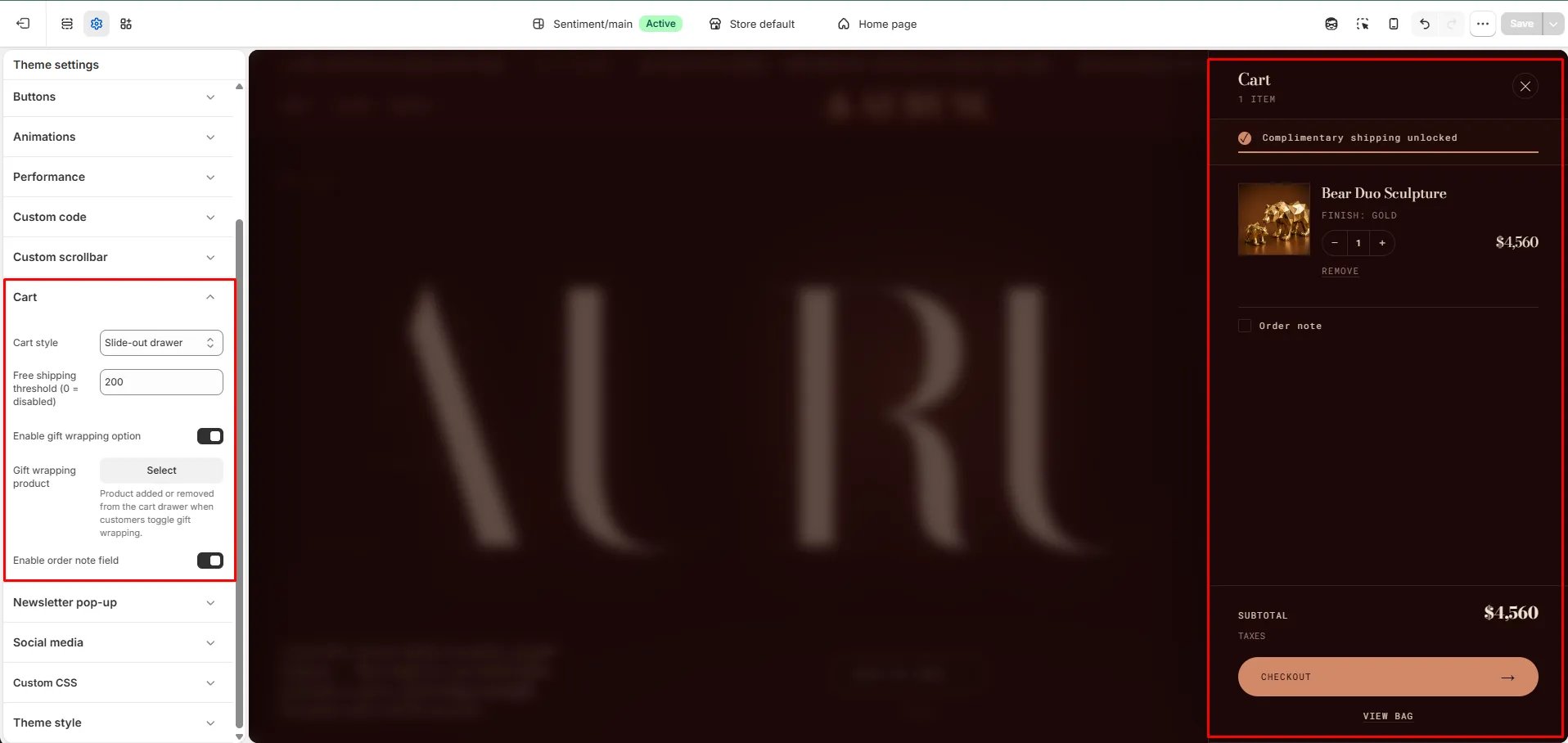
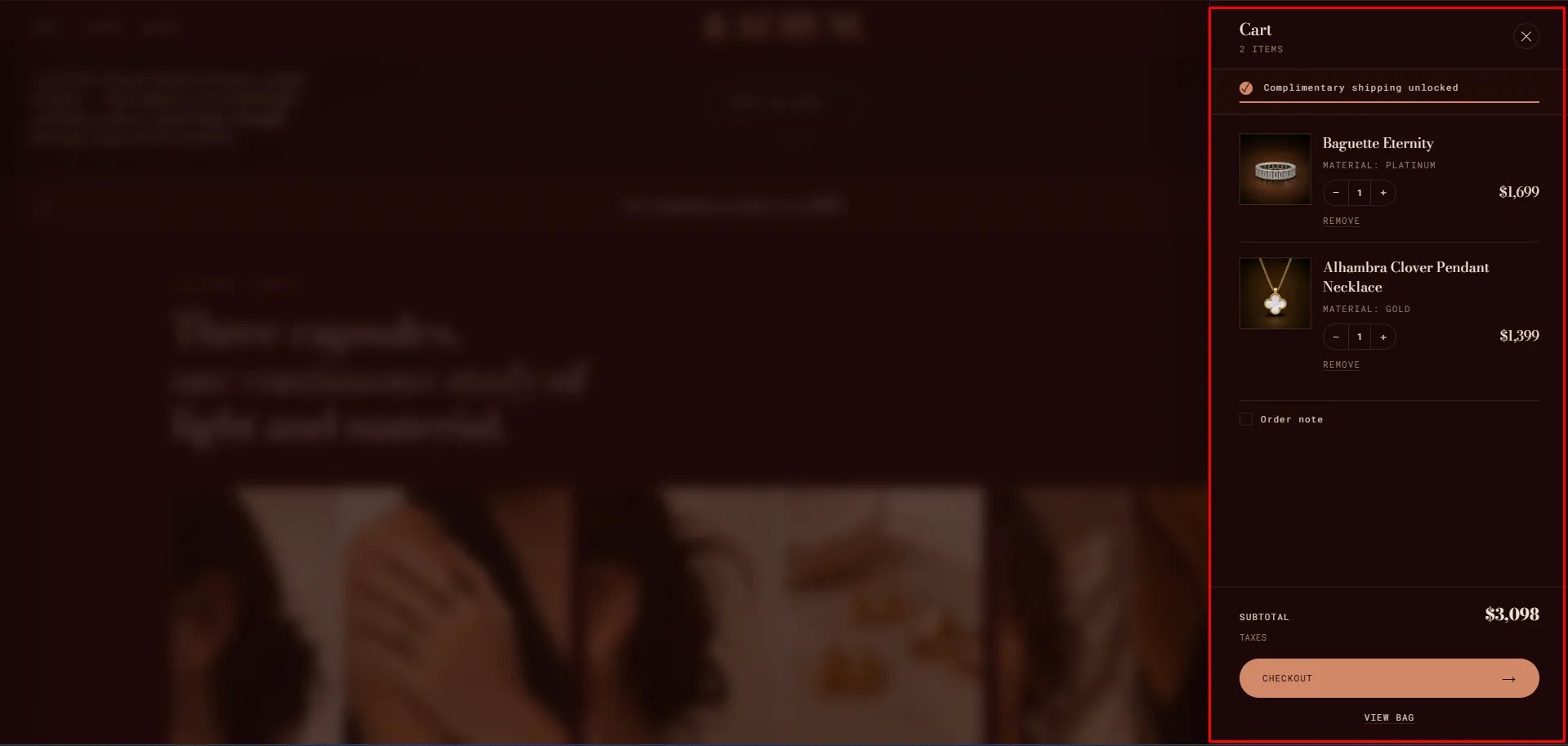
The **Cart Drawer** is a slide-out panel that opens when a customer adds a product to their cart or clicks the bag icon in the header. It displays all cart line items, a free shipping progress bar, gift wrapping, an order note, and the checkout button — all without leaving the current page.
The cart drawer is a built-in layout-level component, not a standalone section. It is configured via **Theme Settings → Cart**.
 ### How to Configure the Cart Drawer
* From your Shopify admin, go to **Online Store → Themes** and click **Customize**.
* Click the **Theme settings** icon (gear icon) in the left sidebar.
* Select **Cart** from the settings list.
* Set the **Cart style** to **Slide-out drawer**.
* Configure the remaining settings and click **Save**.
### Settings
For full details on all cart configuration options — including free shipping threshold, gift wrapping, and order notes — see the [Cart section in Theme Settings](theme-settings).
### How to Configure the Cart Drawer
* From your Shopify admin, go to **Online Store → Themes** and click **Customize**.
* Click the **Theme settings** icon (gear icon) in the left sidebar.
* Select **Cart** from the settings list.
* Set the **Cart style** to **Slide-out drawer**.
* Configure the remaining settings and click **Save**.
### Settings
For full details on all cart configuration options — including free shipping threshold, gift wrapping, and order notes — see the [Cart section in Theme Settings](theme-settings).