> ## Documentation Index
> Fetch the complete documentation index at: https://sentiment-docs.arhamwebworks.com/llms.txt
> Use this file to discover all available pages before exploring further.
# Hero slideshow
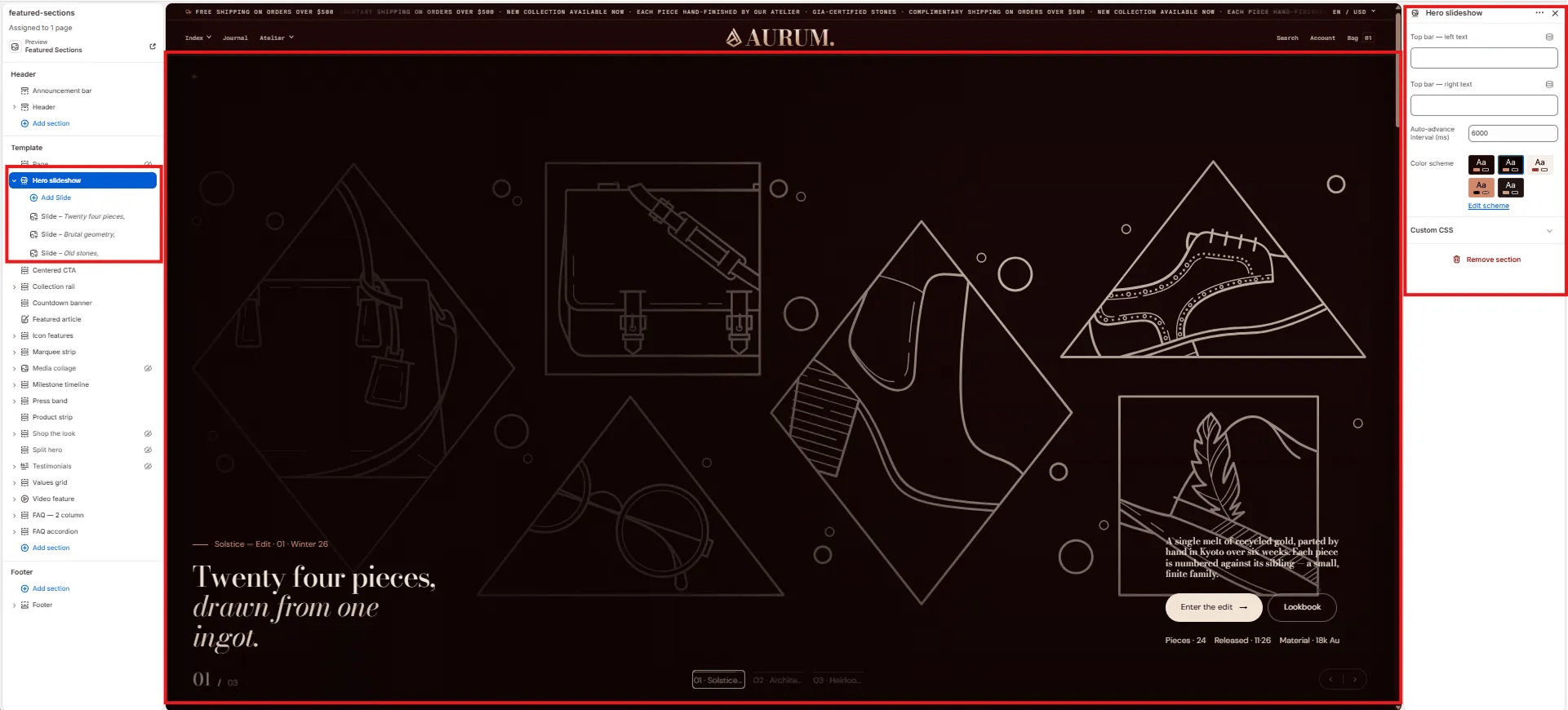
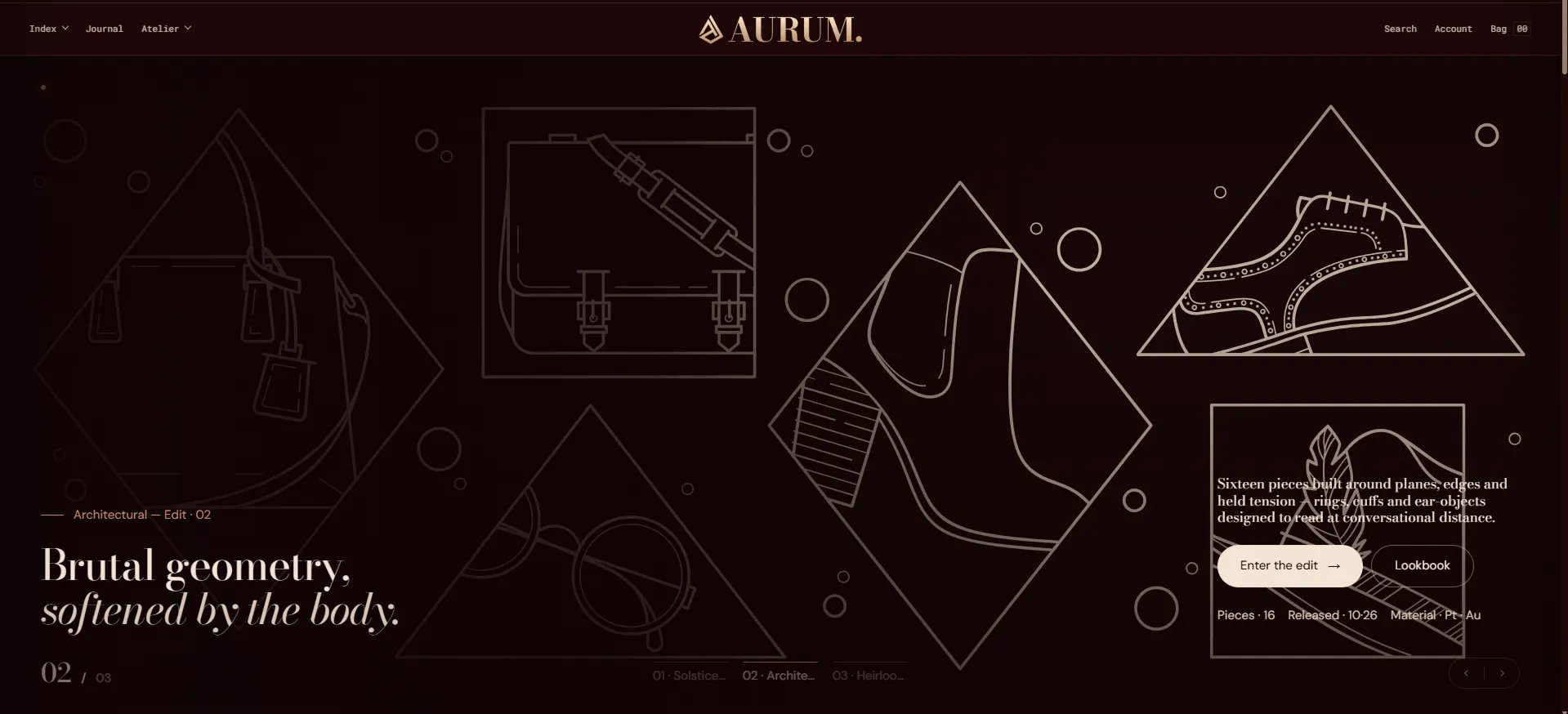
The **Hero Slideshow** section is a full-screen auto-advancing slideshow with up to 6 slides. Each slide has its own background image, heading, body text, dual CTAs, and a navigation label. It's ideal for homepages where multiple campaigns, collections, or seasons need to be featured simultaneously.
 ### How to Add the Section
1. From your Shopify admin, go to **Online Store → Themes** and click **Customize**.
2. Navigate to your homepage.
3. Click **Add section** and select **Hero slideshow**.
4. Add **Slide** blocks and configure each one individually.
5. Click **Save**.
### Section Settings
#### Persistent Labels
* **Top left:** A text label displayed in the top-left corner across all slides simultaneously.
* **Top right:** A text label displayed in the top-right corner across all slides simultaneously.
#### Behaviour
* **Interval:** The time in milliseconds before the slideshow automatically advances to the next slide (default: 6000ms / 6 seconds).
#### Style
* **Color scheme:** Choose a color scheme for the slideshow navigation UI.
***
### Slide Block Settings
Each individual slide added within the Hero slideshow has its own settings panel. You can add up to 6 slides.
#### Image
* **Image:** Upload the background image for this slide.
#### Content
* **Eyebrow:** A small label displayed above the heading.
* **Heading:** Main heading for the slide.
* **Heading italic:** An italic portion of the heading, rendered in the italic type style alongside the main heading.
* **Body:** Supporting body text for the slide.
* **Meta:** A pipe-separated metadata string displayed below the body (e.g., `18k Au | 24 pieces | Winter 26`).
#### Call to Action
* **CTA 1 text / URL:** Primary call-to-action button label and link.
* **CTA 2 text / URL:** Secondary call-to-action button label and link.
#### Navigation
* **Nav label:** The label shown in the slide navigation dots at the bottom of the slideshow for this specific slide.
### How to Add the Section
1. From your Shopify admin, go to **Online Store → Themes** and click **Customize**.
2. Navigate to your homepage.
3. Click **Add section** and select **Hero slideshow**.
4. Add **Slide** blocks and configure each one individually.
5. Click **Save**.
### Section Settings
#### Persistent Labels
* **Top left:** A text label displayed in the top-left corner across all slides simultaneously.
* **Top right:** A text label displayed in the top-right corner across all slides simultaneously.
#### Behaviour
* **Interval:** The time in milliseconds before the slideshow automatically advances to the next slide (default: 6000ms / 6 seconds).
#### Style
* **Color scheme:** Choose a color scheme for the slideshow navigation UI.
***
### Slide Block Settings
Each individual slide added within the Hero slideshow has its own settings panel. You can add up to 6 slides.
#### Image
* **Image:** Upload the background image for this slide.
#### Content
* **Eyebrow:** A small label displayed above the heading.
* **Heading:** Main heading for the slide.
* **Heading italic:** An italic portion of the heading, rendered in the italic type style alongside the main heading.
* **Body:** Supporting body text for the slide.
* **Meta:** A pipe-separated metadata string displayed below the body (e.g., `18k Au | 24 pieces | Winter 26`).
#### Call to Action
* **CTA 1 text / URL:** Primary call-to-action button label and link.
* **CTA 2 text / URL:** Secondary call-to-action button label and link.
#### Navigation
* **Nav label:** The label shown in the slide navigation dots at the bottom of the slideshow for this specific slide.