> ## Documentation Index
> Fetch the complete documentation index at: https://sentiment-docs.arhamwebworks.com/llms.txt
> Use this file to discover all available pages before exploring further.
# Marquee strip
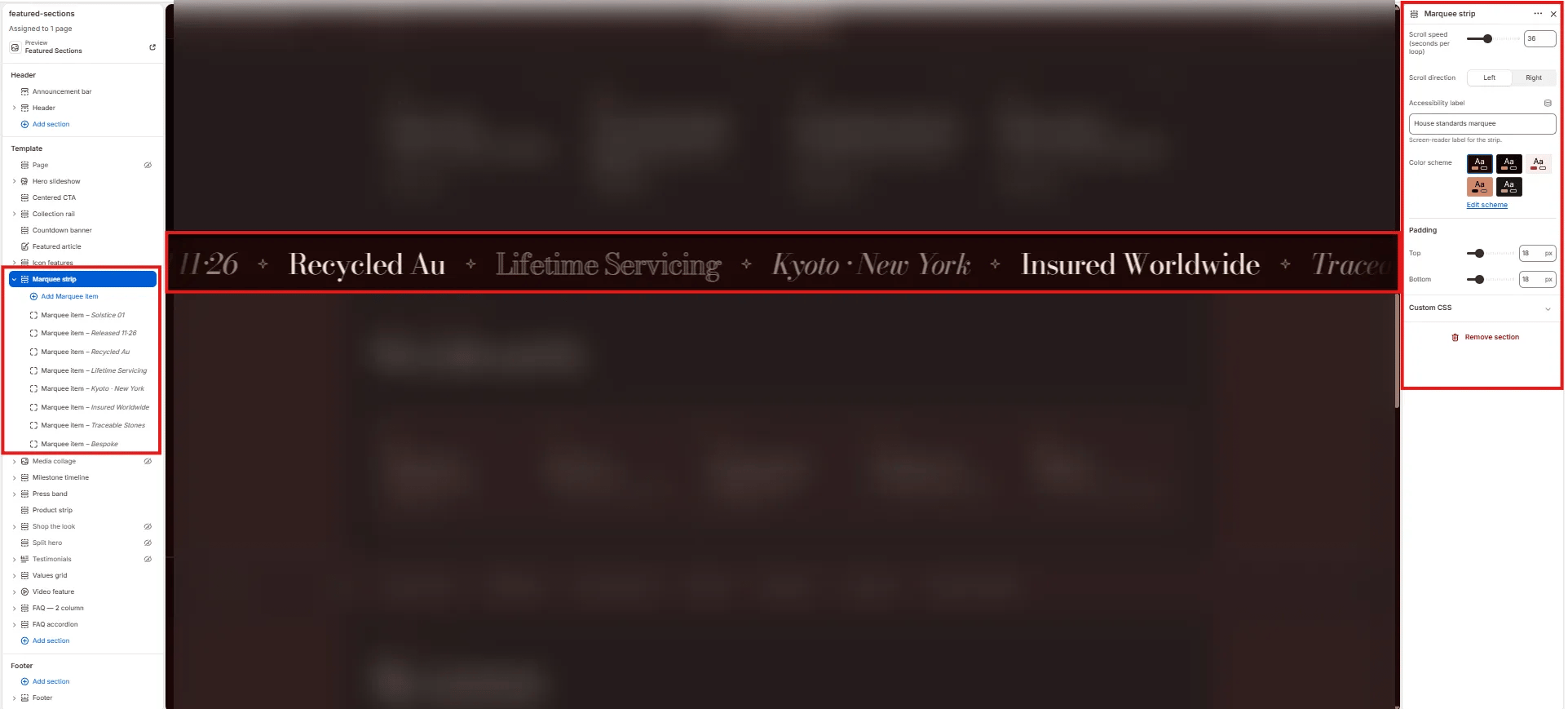
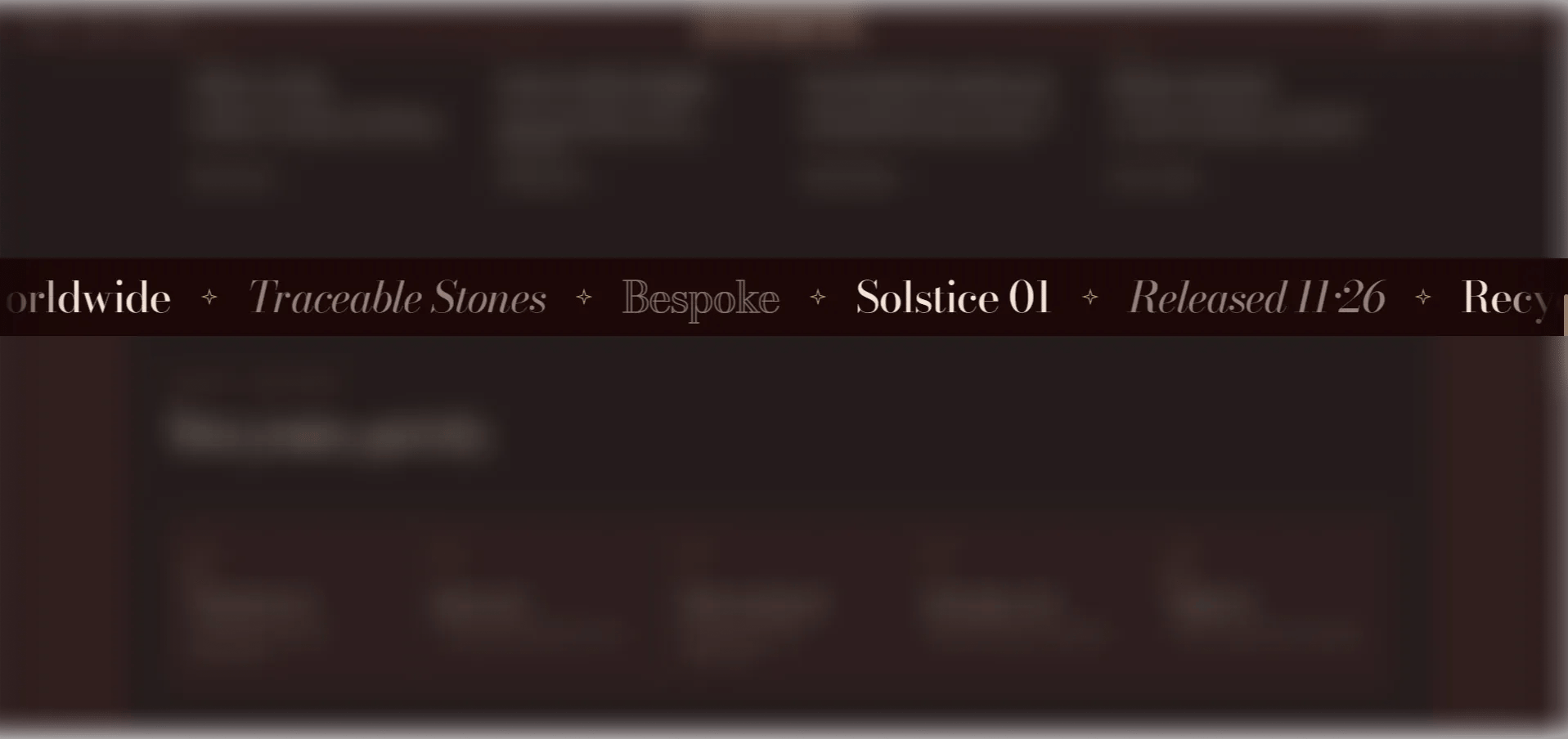
The **Marquee Strip** section is an infinitely scrolling text strip. Each item can be styled as normal, italic, or outlined text, allowing you to mix styles for visual variety. Use it for brand statements, material callouts, collection names, or decorative typographic accents placed between page sections.
 ### How to Add the Section
1. From your Shopify admin, go to **Online Store → Themes** and click **Customize**.
2. Navigate to the page where you want to add this section.
3. Click **Add section** and select **Marquee strip**.
4. Add **Item** blocks for each text entry in the strip.
5. Click **Save**.
### Section Settings
#### Behaviour
* **Speed:** Controls how fast the text scrolls (range: 10–80). Higher values scroll faster.
* **Direction:** Set the scroll direction — **Left** (default, right-to-left) or **Right** (left-to-right).
* **Aria label:** An accessible label for screen readers describing the purpose of the strip.
#### Style
* **Color scheme:** Choose a color scheme for the section.
#### Spacing
* **Padding top / Padding bottom:** Control vertical spacing around the section.
***
### Item Block Settings
Each Item block is one text entry in the scrolling strip. You can add up to 12 items.
* **Text:** The text to display for this item in the strip.
* **Style:** The visual treatment for this item — **Normal** (standard weight), **Italic** (italic style), or **Outline** (outlined/stroke text).
### How to Add the Section
1. From your Shopify admin, go to **Online Store → Themes** and click **Customize**.
2. Navigate to the page where you want to add this section.
3. Click **Add section** and select **Marquee strip**.
4. Add **Item** blocks for each text entry in the strip.
5. Click **Save**.
### Section Settings
#### Behaviour
* **Speed:** Controls how fast the text scrolls (range: 10–80). Higher values scroll faster.
* **Direction:** Set the scroll direction — **Left** (default, right-to-left) or **Right** (left-to-right).
* **Aria label:** An accessible label for screen readers describing the purpose of the strip.
#### Style
* **Color scheme:** Choose a color scheme for the section.
#### Spacing
* **Padding top / Padding bottom:** Control vertical spacing around the section.
***
### Item Block Settings
Each Item block is one text entry in the scrolling strip. You can add up to 12 items.
* **Text:** The text to display for this item in the strip.
* **Style:** The visual treatment for this item — **Normal** (standard weight), **Italic** (italic style), or **Outline** (outlined/stroke text).