> ## Documentation Index
> Fetch the complete documentation index at: https://sentiment-docs.arhamwebworks.com/llms.txt
> Use this file to discover all available pages before exploring further.
# Video feature
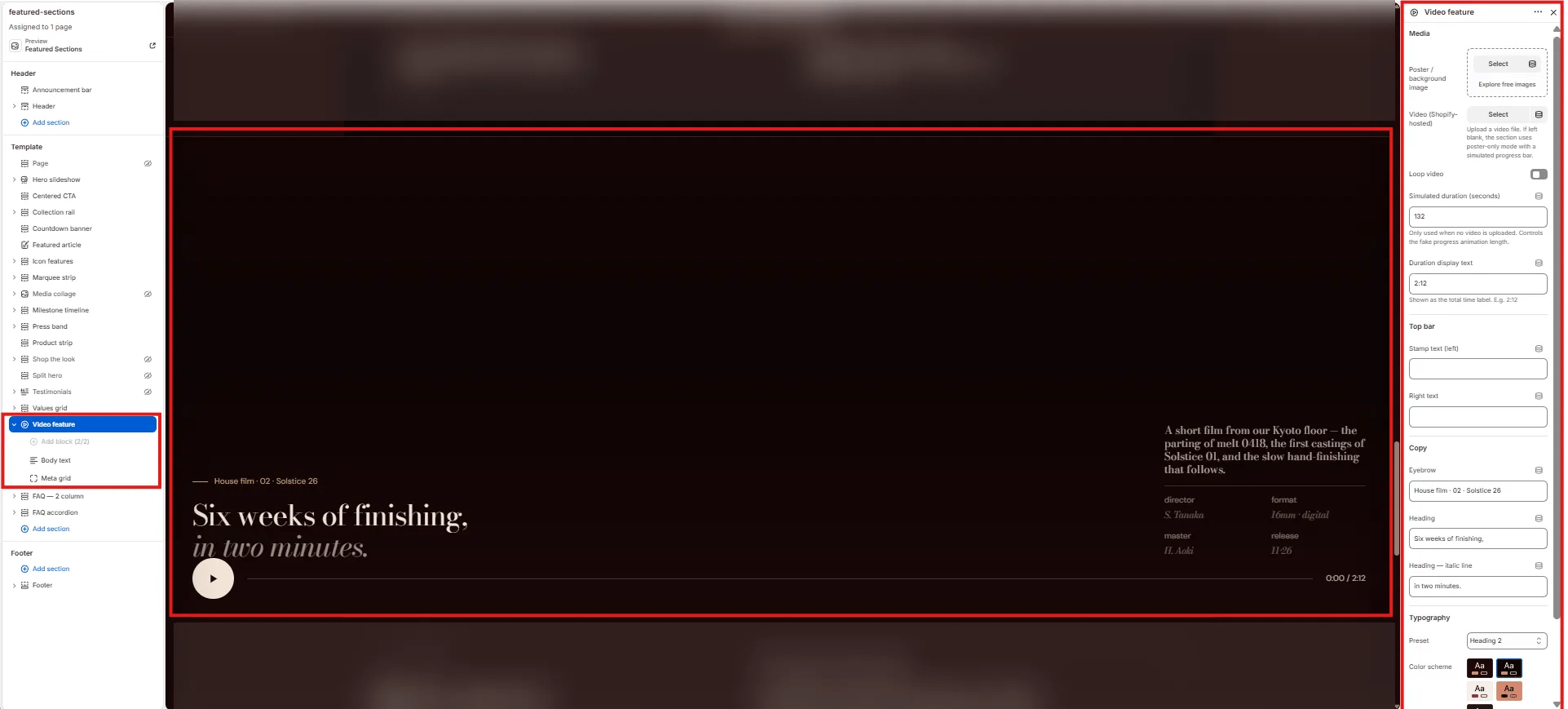
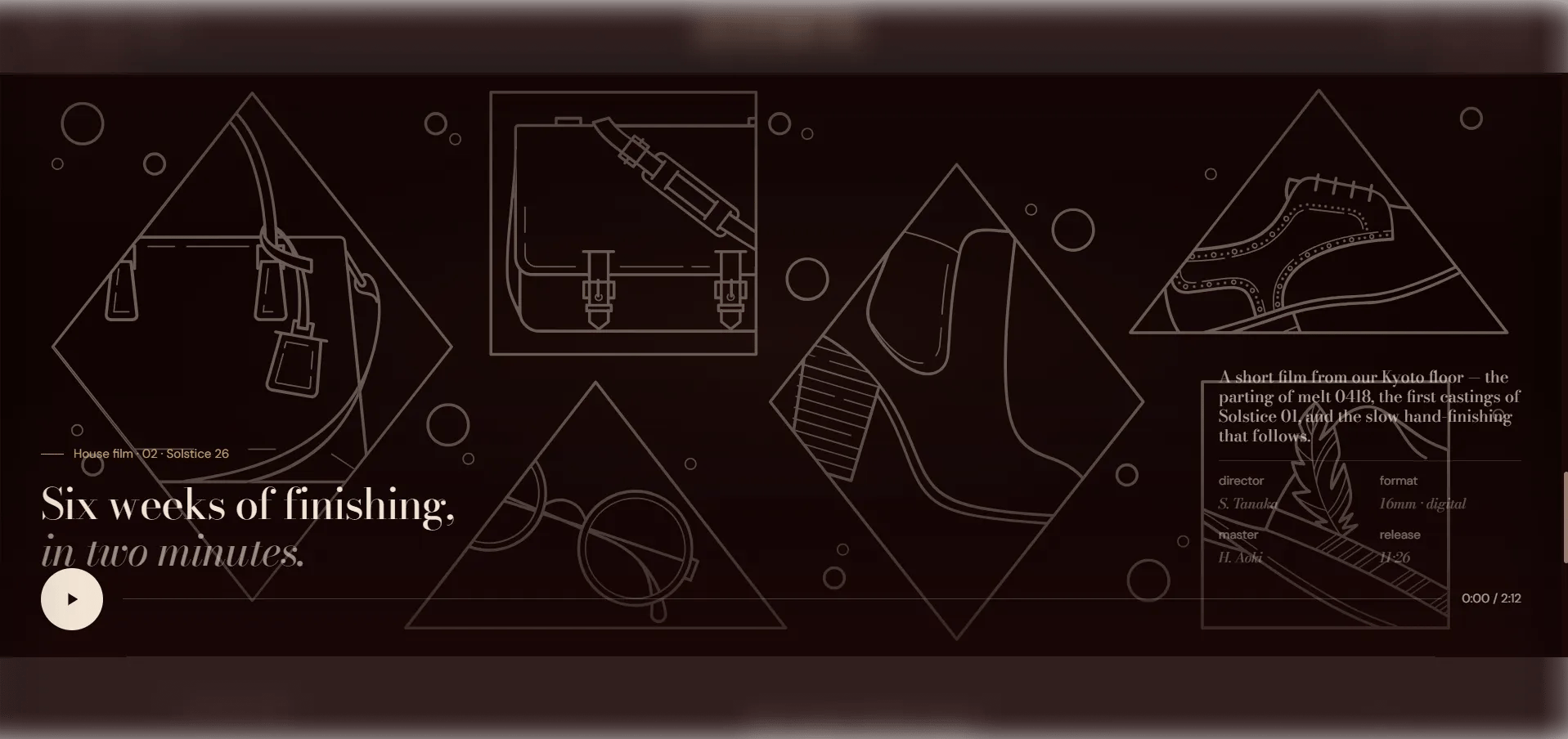
The **Video Feature** section is a full-width editorial video player with a poster image, Shopify-hosted video, play/pause control, a progress bar, and top corner stamps. Optional body text and a film credits metadata grid can be added alongside the player — ideal for brand films, process documentation, or campaign reels.
 ### How to Add the Section
1. From your Shopify admin, go to **Online Store → Themes** and click **Customize**.
2. Navigate to the page where you want to add this section.
3. Click **Add section** and select **Video feature**.
4. Upload a poster image and video, then add optional blocks (Body text, Meta grid).
5. Click **Save**.
### Section Settings
#### Video
* **Poster image:** Upload a cover image displayed before the video plays and as a fallback if no video is uploaded.
* **Video:** Upload a Shopify-hosted video file. Falls back to the poster image if no video is provided.
* **Loop:** When enabled, the video loops continuously after playback ends.
* **Fake duration:** Duration in seconds used to animate the progress bar when no real video is present (e.g., `132`).
* **Video duration:** The display string shown as the video length label (e.g., `2:12`).
#### Labels
* **Top stamp:** A text label displayed in the top-left corner of the video (e.g., "Film · Atelier 26·11 · Recorded Kyoto").
* **Top right:** A text label displayed in the top-right corner of the video (e.g., "House · No. 04 — Process").
#### Content
* **Eyebrow:** Small label above the heading.
* **Heading:** Main heading text displayed below the video player.
* **Heading italic:** An italic portion of the heading rendered in the italic type style.
* **Heading typography:** Select the typographic style for the heading.
#### Style
* **Color scheme:** Choose a color scheme for the section.
***
### Body Text Block Settings *(limit 1)*
A descriptive paragraph displayed alongside the video controls area.
* **Body:** The body text displayed beside the video metadata area (e.g., a short description of the film).
***
### Meta Grid Block Settings *(limit 1)*
A 4-cell metadata grid displaying film credits below the video.
* **Meta 1 / 2 / 3 / 4 — Label & Value:** Four label-value pairs for film credits (e.g., "Director / S. Tanaka", "Format / 16mm · digital", "Master / H. Aoki", "Release / 11·26").
### How to Add the Section
1. From your Shopify admin, go to **Online Store → Themes** and click **Customize**.
2. Navigate to the page where you want to add this section.
3. Click **Add section** and select **Video feature**.
4. Upload a poster image and video, then add optional blocks (Body text, Meta grid).
5. Click **Save**.
### Section Settings
#### Video
* **Poster image:** Upload a cover image displayed before the video plays and as a fallback if no video is uploaded.
* **Video:** Upload a Shopify-hosted video file. Falls back to the poster image if no video is provided.
* **Loop:** When enabled, the video loops continuously after playback ends.
* **Fake duration:** Duration in seconds used to animate the progress bar when no real video is present (e.g., `132`).
* **Video duration:** The display string shown as the video length label (e.g., `2:12`).
#### Labels
* **Top stamp:** A text label displayed in the top-left corner of the video (e.g., "Film · Atelier 26·11 · Recorded Kyoto").
* **Top right:** A text label displayed in the top-right corner of the video (e.g., "House · No. 04 — Process").
#### Content
* **Eyebrow:** Small label above the heading.
* **Heading:** Main heading text displayed below the video player.
* **Heading italic:** An italic portion of the heading rendered in the italic type style.
* **Heading typography:** Select the typographic style for the heading.
#### Style
* **Color scheme:** Choose a color scheme for the section.
***
### Body Text Block Settings *(limit 1)*
A descriptive paragraph displayed alongside the video controls area.
* **Body:** The body text displayed beside the video metadata area (e.g., a short description of the film).
***
### Meta Grid Block Settings *(limit 1)*
A 4-cell metadata grid displaying film credits below the video.
* **Meta 1 / 2 / 3 / 4 — Label & Value:** Four label-value pairs for film credits (e.g., "Director / S. Tanaka", "Format / 16mm · digital", "Master / H. Aoki", "Release / 11·26").