How to Configure the Section
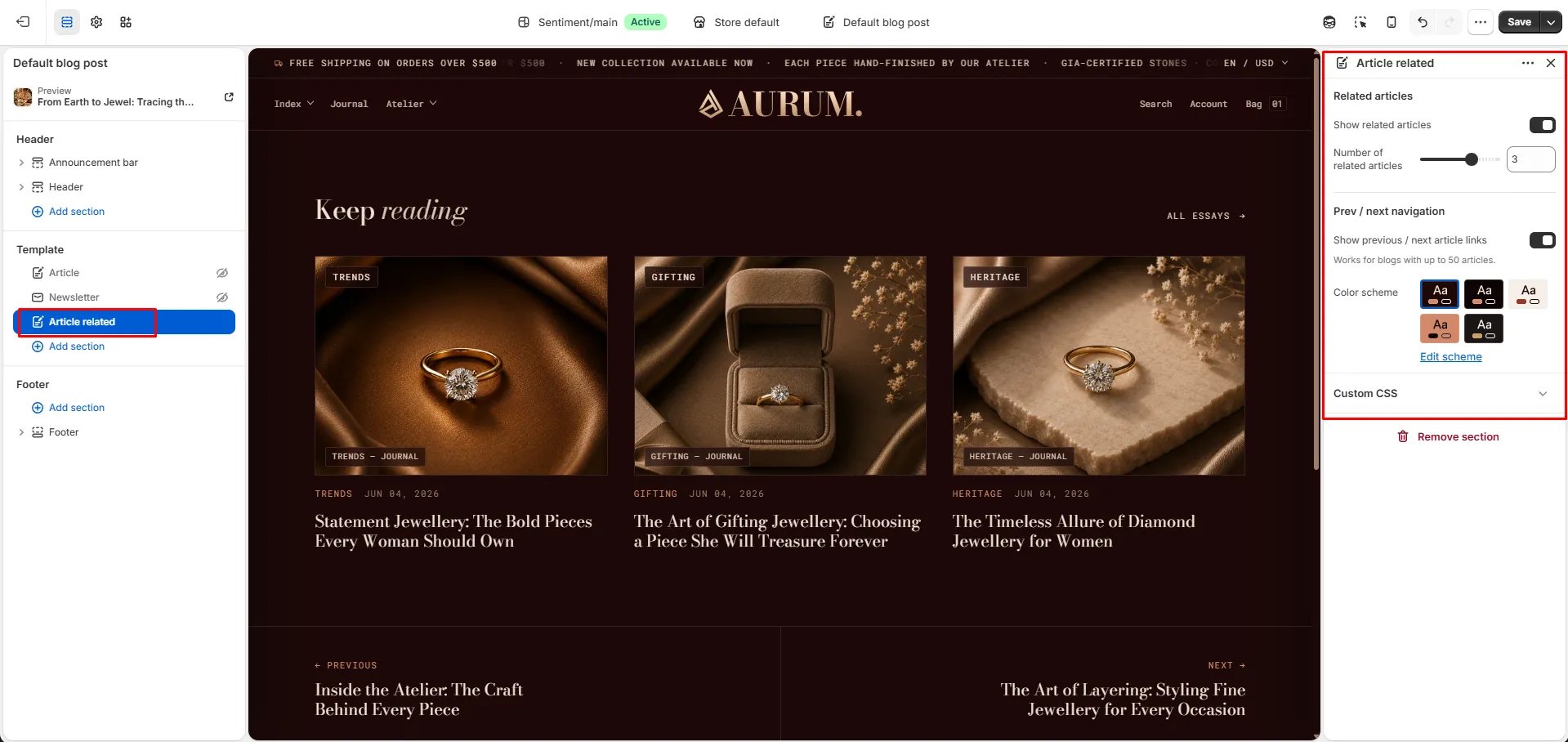
- From your Shopify admin, go to Online Store → Themes and click Customize.
- Use the page selector to navigate to an Article template page.
- Click Add section and select Article related, or select it if already present in the template.
- Adjust the settings and click Save.
Section Settings
Related Articles
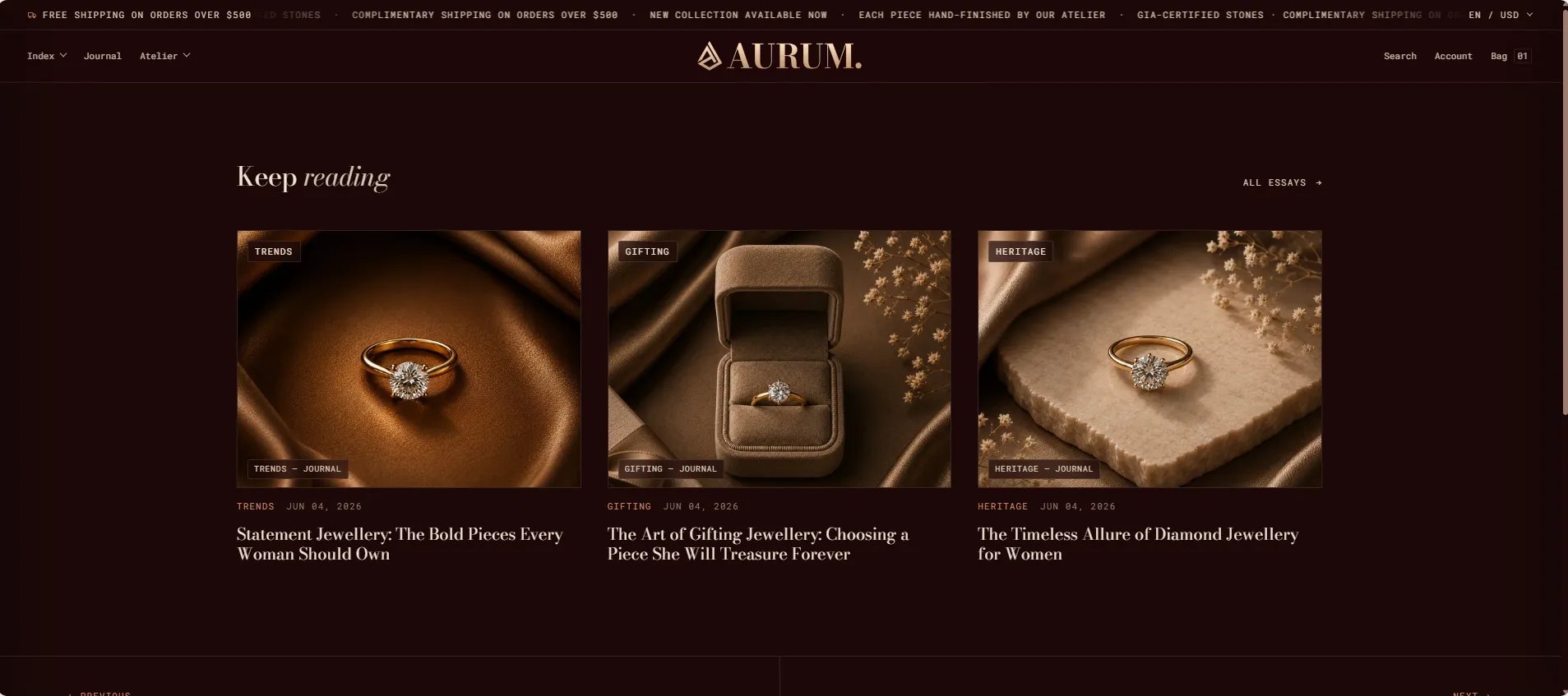
- Show related articles: Toggle to show or hide the grid of related articles below the post.
- Related count: Number of related articles to display in the grid (range: 1–4).
Navigation
- Show previous / next: Displays navigation links to the previous and next article in the blog. Note: this feature works for blogs with up to 50 articles.
Style
- Color scheme: Choose a color scheme for the section.