How to Add the Section
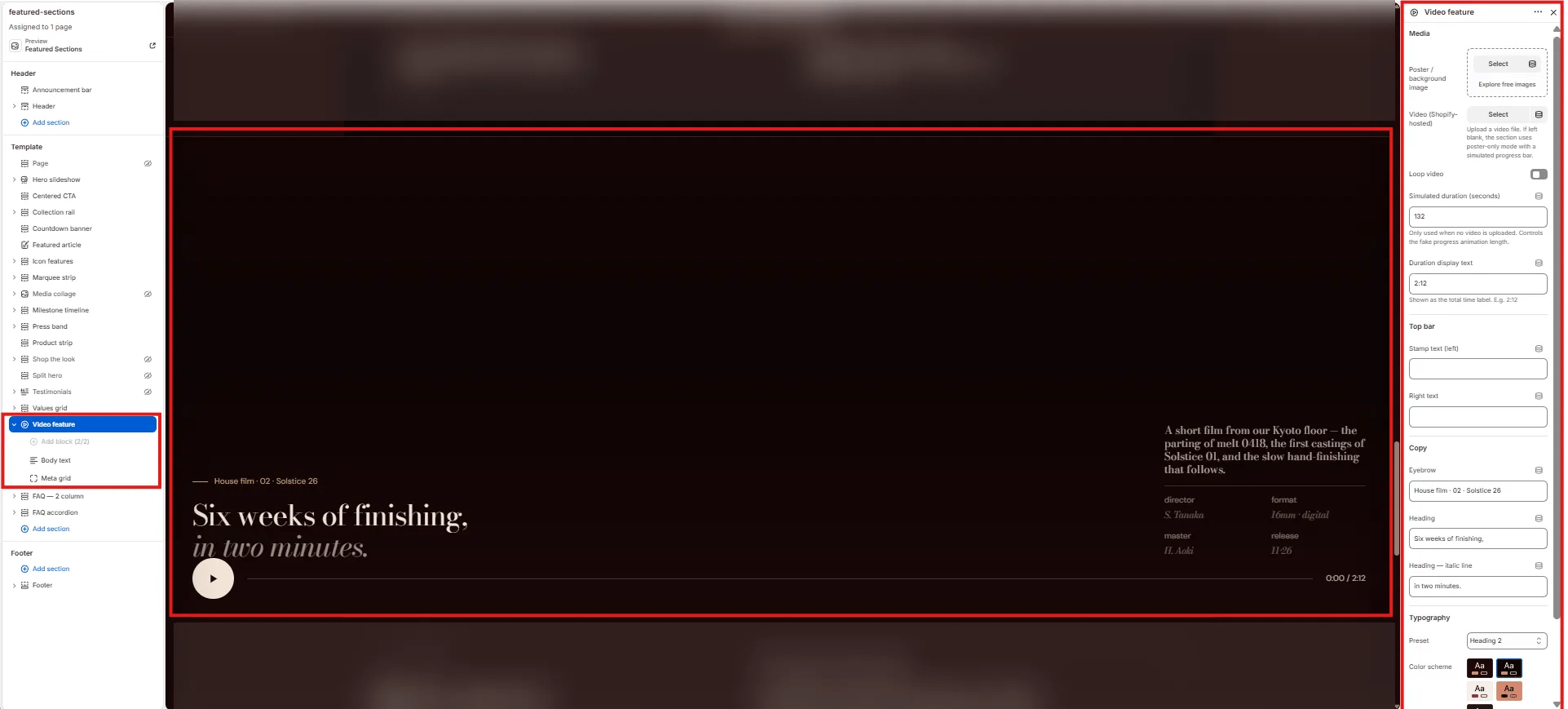
- From your Shopify admin, go to Online Store → Themes and click Customize.
- Navigate to the page where you want to add this section.
- Click Add section and select Video feature.
- Upload a poster image and video, then add optional blocks (Body text, Meta grid).
- Click Save.
Section Settings
Video
- Poster image: Upload a cover image displayed before the video plays and as a fallback if no video is uploaded.
- Video: Upload a Shopify-hosted video file. Falls back to the poster image if no video is provided.
- Loop: When enabled, the video loops continuously after playback ends.
- Fake duration: Duration in seconds used to animate the progress bar when no real video is present (e.g.,
132). - Video duration: The display string shown as the video length label (e.g.,
2:12).
Labels
- Top stamp: A text label displayed in the top-left corner of the video (e.g., “Film · Atelier 26·11 · Recorded Kyoto”).
- Top right: A text label displayed in the top-right corner of the video (e.g., “House · No. 04 — Process”).
Content
- Eyebrow: Small label above the heading.
- Heading: Main heading text displayed below the video player.
- Heading italic: An italic portion of the heading rendered in the italic type style.
- Heading typography: Select the typographic style for the heading.
Style
- Color scheme: Choose a color scheme for the section.
Body Text Block Settings (limit 1)
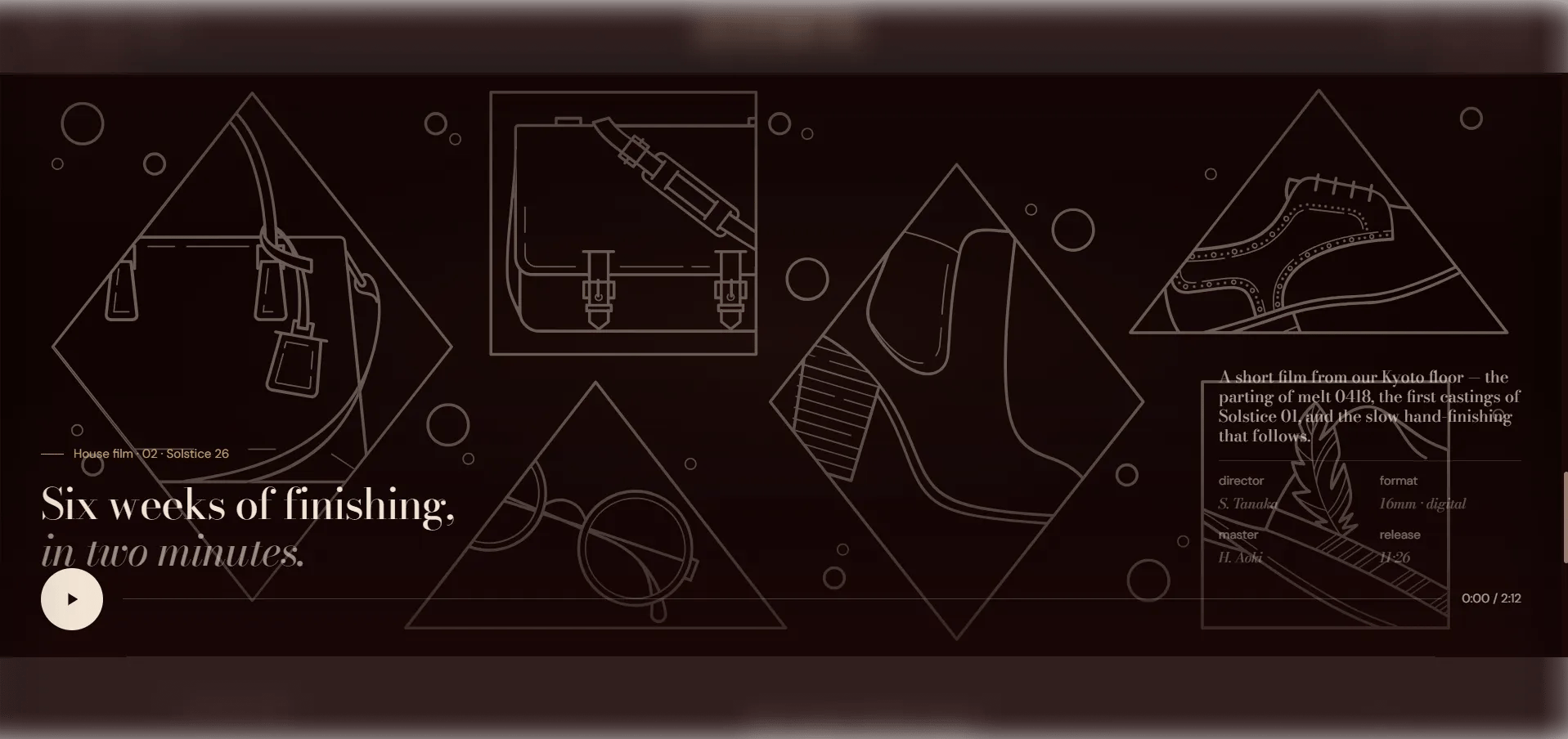
A descriptive paragraph displayed alongside the video controls area.- Body: The body text displayed beside the video metadata area (e.g., a short description of the film).
Meta Grid Block Settings (limit 1)
A 4-cell metadata grid displaying film credits below the video.- Meta 1 / 2 / 3 / 4 — Label & Value: Four label-value pairs for film credits (e.g., “Director / S. Tanaka”, “Format / 16mm · digital”, “Master / H. Aoki”, “Release / 11·26”).