How to Add the Section
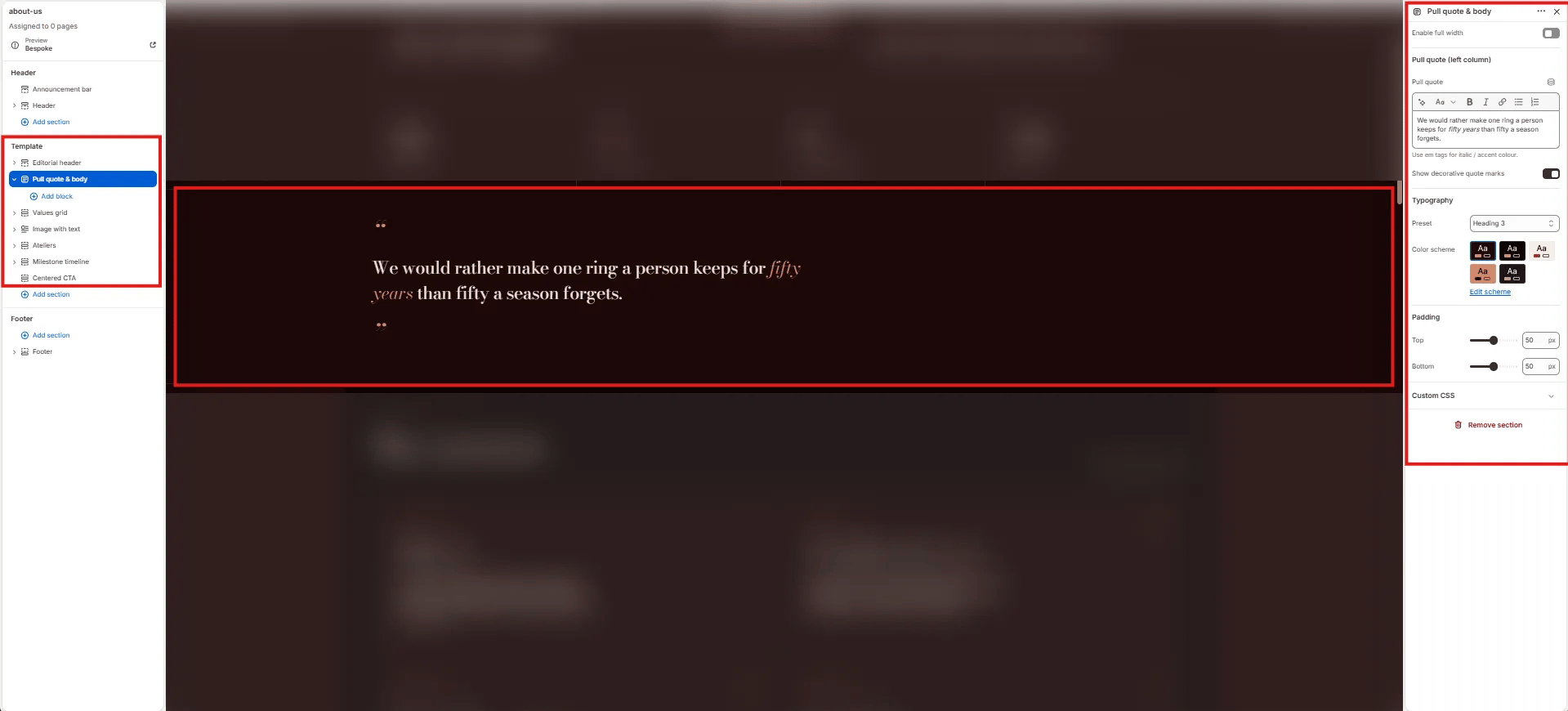
- From your Shopify admin, go to Online Store → Themes and click Customize.
- Navigate to the page where you want to add this section.
- Click Add section and select Pull quote & body.
- Add optional blocks (Body content, Signature) to populate the right column.
- Click Save.
Section Settings
Pull Quote
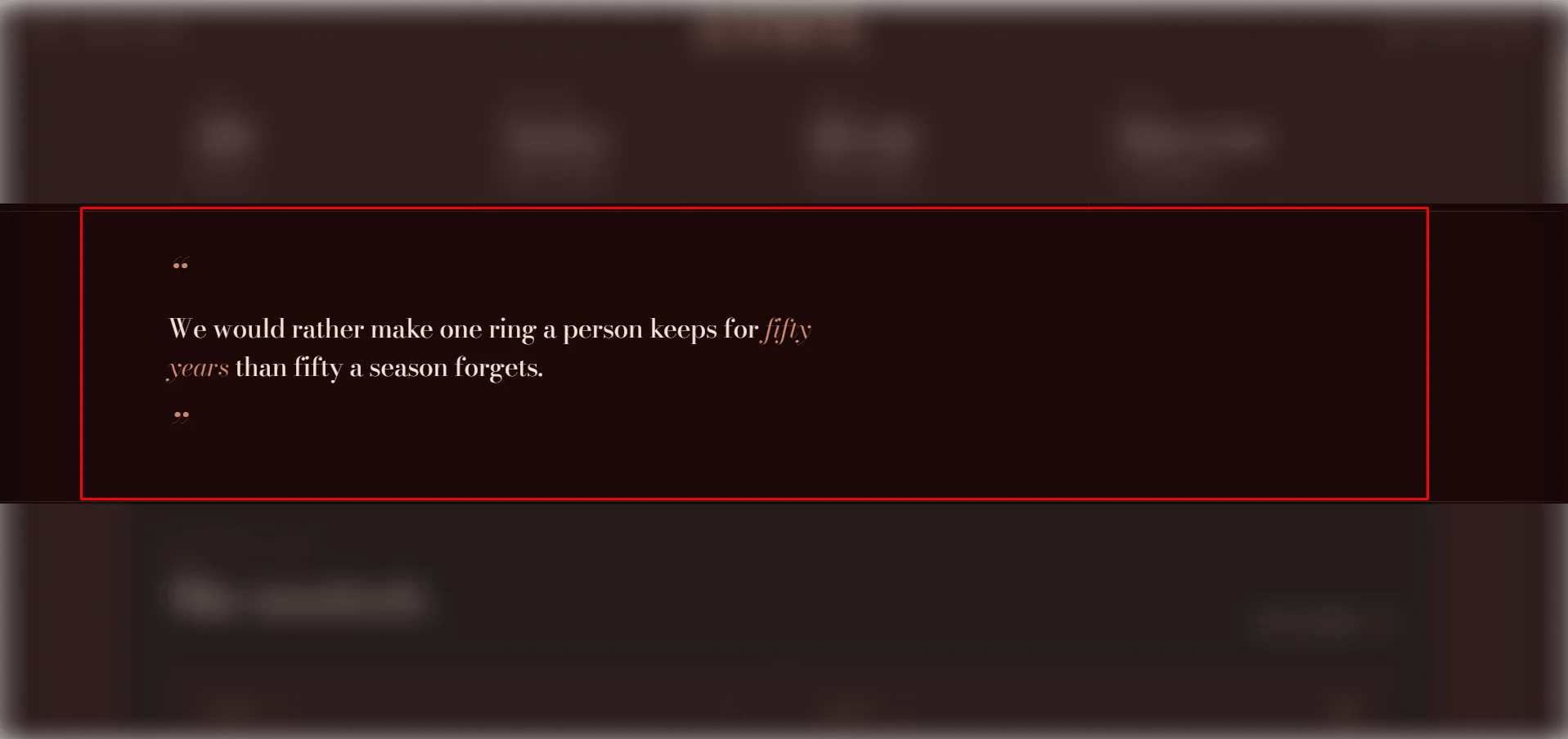
- Pull quote: The large featured quote displayed in the left column. Supports rich text and italic emphasis.
- Show quote marks: Toggle to display decorative quotation mark characters around the pull quote.
- Pull quote typography: Select the typographic scale for the pull quote text.
Style
- Full width: When enabled, the section stretches edge-to-edge.
- Color scheme: Choose a color scheme for the section.
Spacing
- Padding top / Padding bottom: Control vertical spacing around the section.
Body Content Block Settings (limit 1)
The body text column displayed on the right side of the layout.- Section label: A small label displayed above the body text (e.g., “Why we exist”).
- Body: The main body copy for the right column. Supports rich text formatting.
Signature Block Settings (limit 1)
A founder or author signature displayed below the body text.- Signature name: The name rendered in a signature/script style (e.g., “M. Aurum”).
- Signature title: The title or role beneath the name (e.g., “Founder”).
- Signature meta: An additional metadata line (e.g., “Mara Aurelio · New York”).