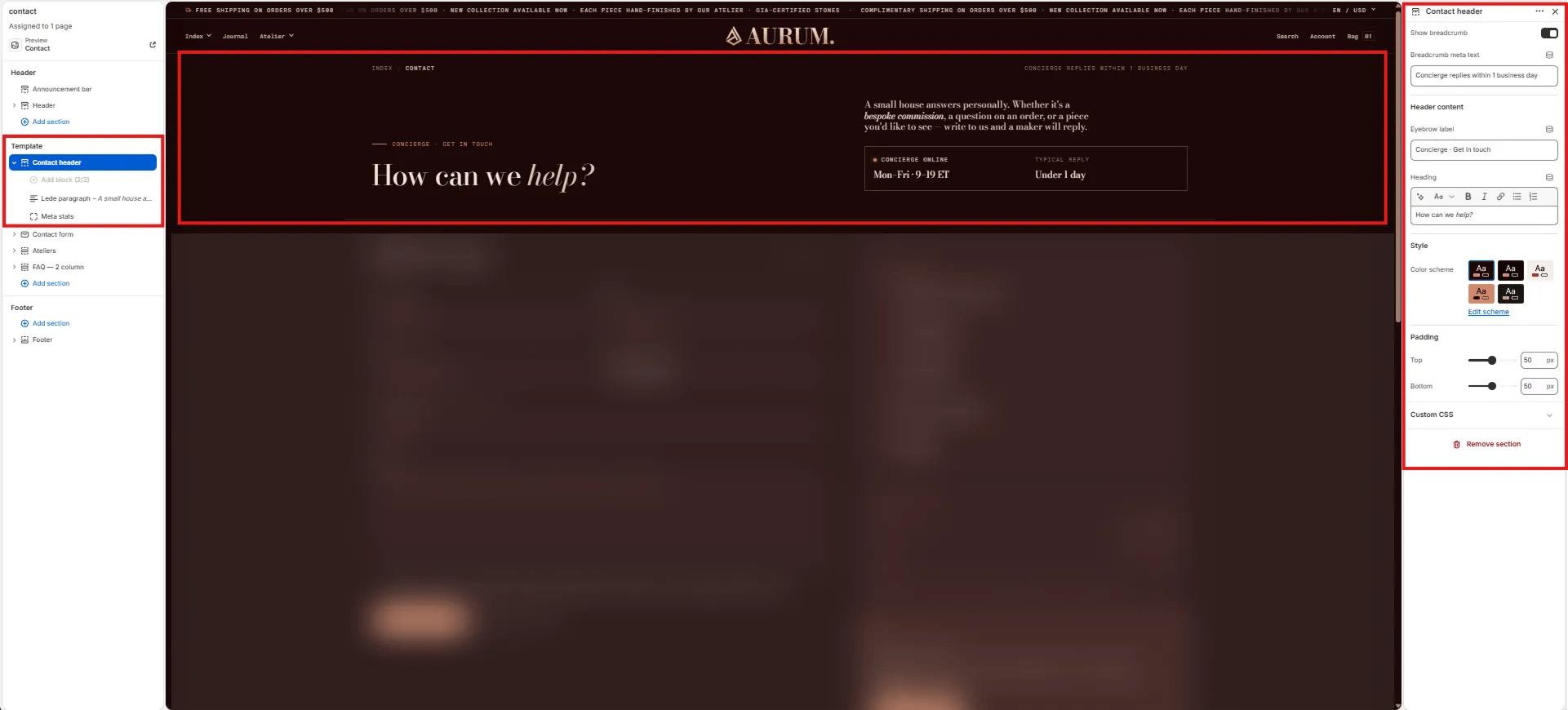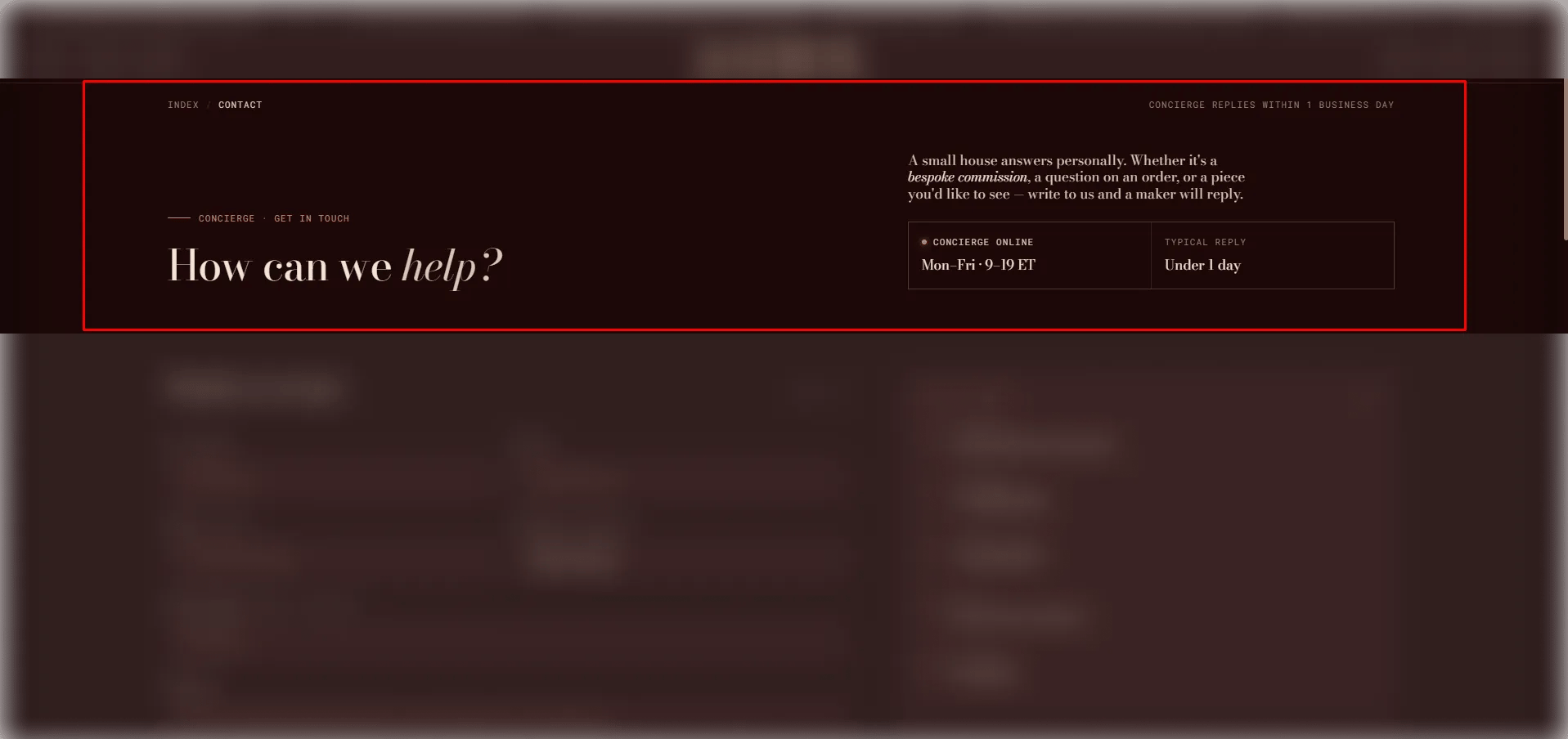
How to Add the Section
- From your Shopify admin, go to Online Store → Themes and click Customize.
- Navigate to your Contact page.
- Click Add section and select Contact header.
- Optionally add Text and Stats blocks to populate the side column.
- Click Save.
Section Settings
Breadcrumb
- Show breadcrumb: Toggle to show or hide the breadcrumb navigation above the heading.
- Breadcrumb meta: Secondary text on the right side of the breadcrumb row (e.g., “Reach us directly or visit the studio”).
Content
- Eyebrow: Small label above the main heading.
- Heading: The main page heading. Supports rich text and italic emphasis.
Style
- Color scheme: Choose a color scheme for the section.
Spacing
- Padding top / Padding bottom: Control vertical spacing around the section.
Text Block Settings (limit 1)
A lede or introductory paragraph displayed in the right side column.- Text: Rich text content for the side column (e.g., a warm welcome or brief studio description).
Stats Block Settings (limit 1)
A two-cell stat grid displayed in the right side column.- Show live dot: Toggle to display an animated live dot — useful for indicating real-time studio availability.
- Stat 1 label / value: Label and value for the first stat cell (e.g., “Response / Within 24 hours”).
- Stat 2 label / value: Label and value for the second stat cell (e.g., “Atelier / By appointment”).