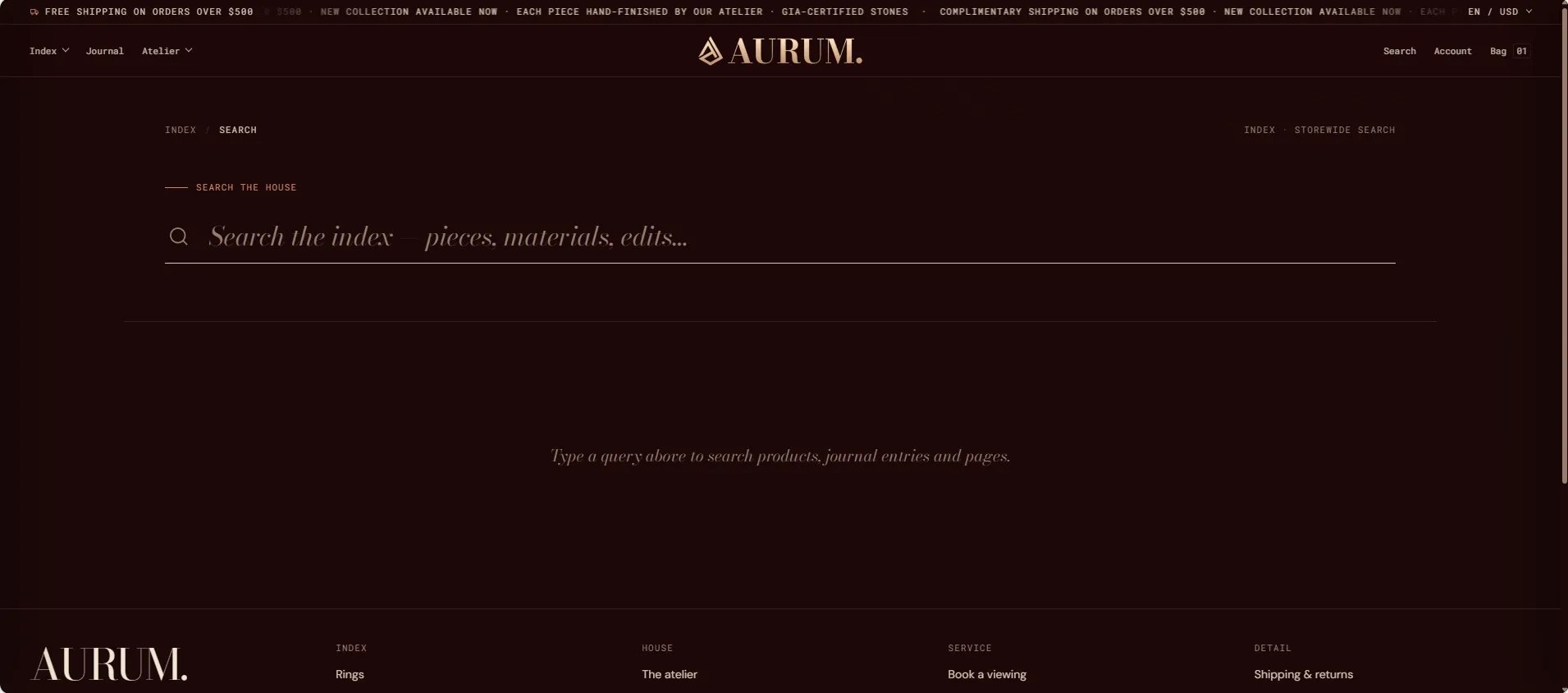
How to Configure the Search Page
- From your Shopify admin, go to Online Store → Themes and click Customize.
- From the top page dropdown, select Search.
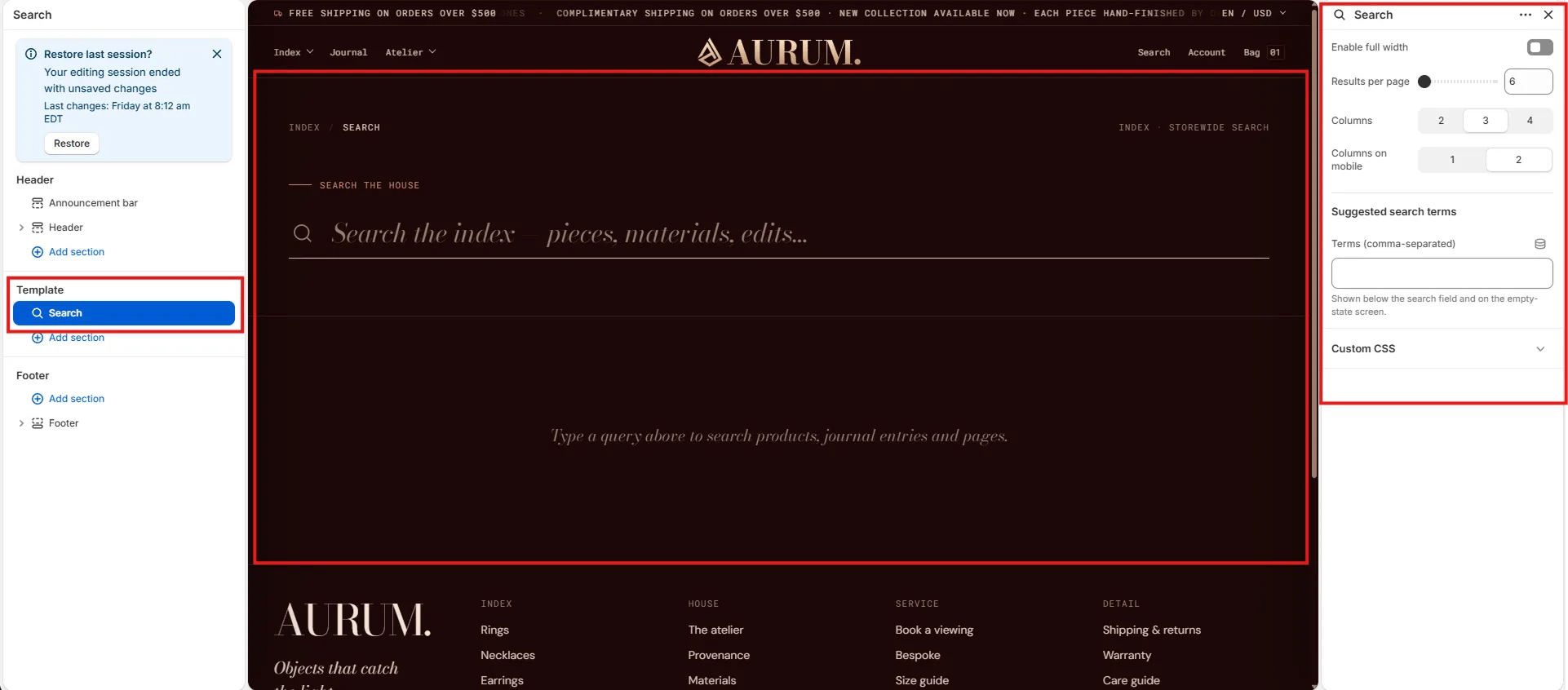
- Click Search in the left sidebar under Template to open its settings.
- Click Save when done.
Search Section Settings
Layout
- Enable full width: Toggle to extend the section edge-to-edge across the viewport.
Results
- Results per page: Number of search results shown per page before pagination (default: 6). A Load more button reveals the next batch without a full page reload.
- Columns: Number of result columns on desktop — 2, 3, or 4.
- Columns on mobile: Number of result columns on mobile — 1 or 2.
Suggested Search Terms
- Terms (comma-separated): A list of suggested search terms shown below the search field and on the empty-state screen — before the visitor has typed a query (e.g., “rings, gold, bespoke, materials”). Leave blank to hide suggestions.