How to Add the Section
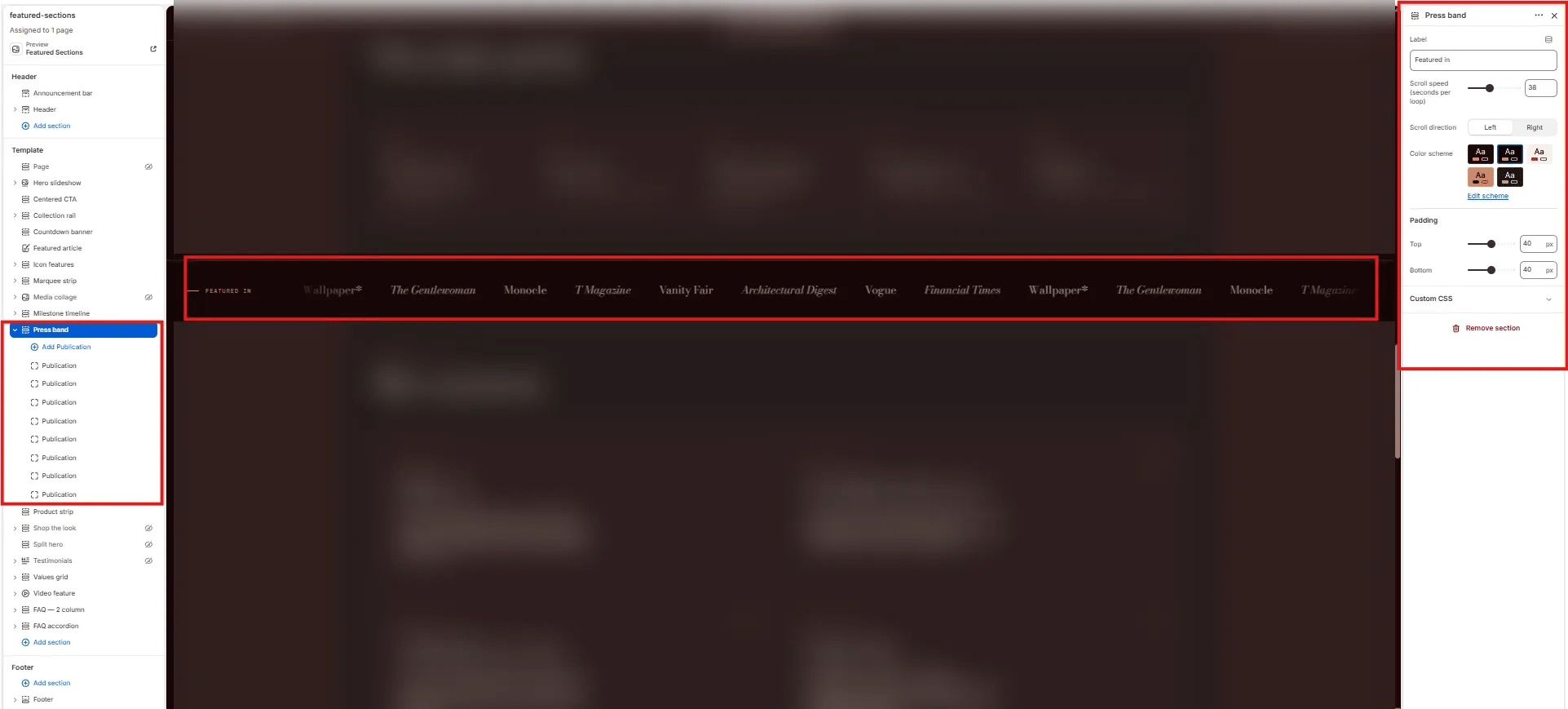
- From your Shopify admin, go to Online Store → Themes and click Customize.
- Navigate to the page where you want to add this section.
- Click Add section and select Press band.
- Add Publication blocks for each press mention (up to 16).
- Click Save.
Section Settings
Content
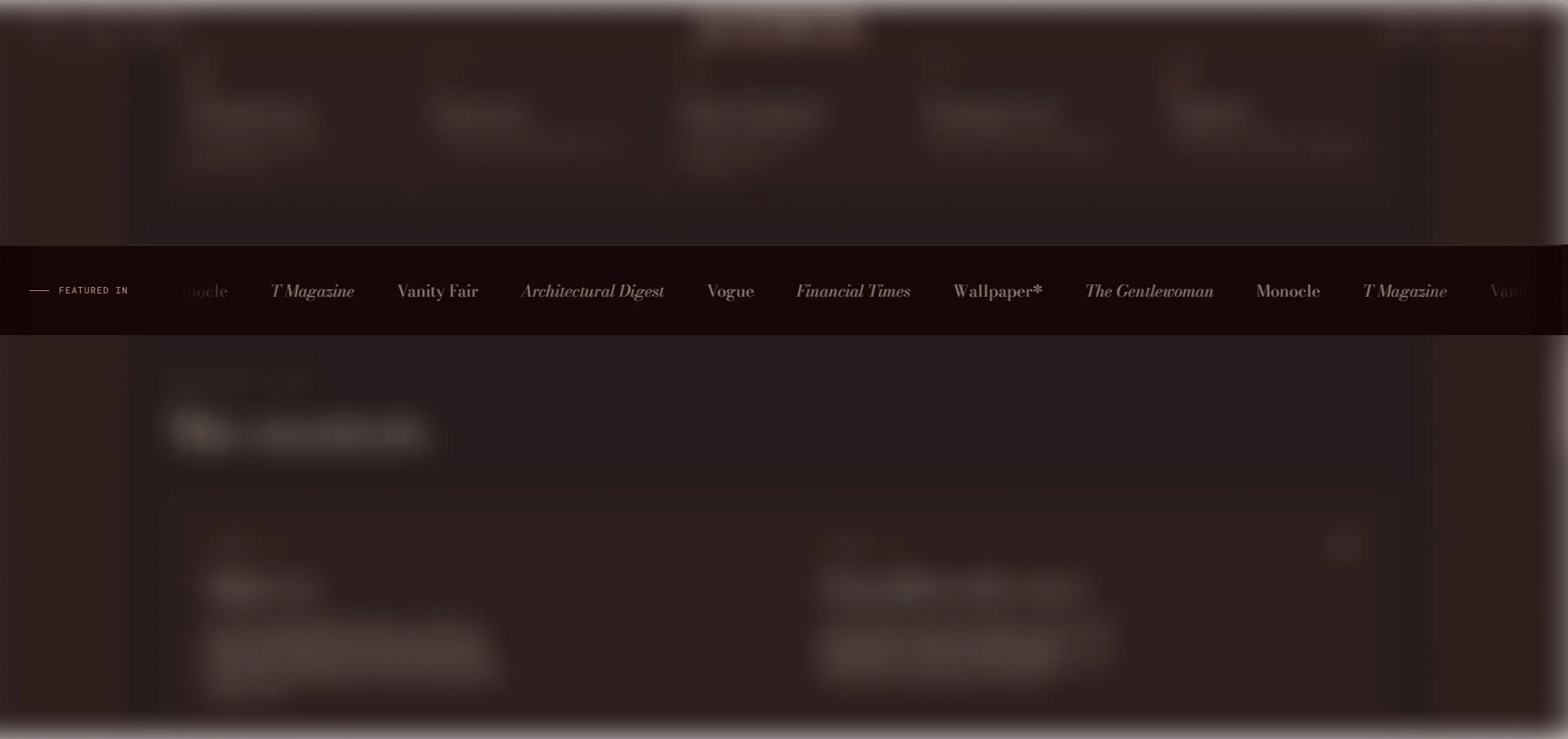
- Label: A left-aligned label for the strip displayed before the logos begin scrolling (default: “Featured in”).
Behaviour
- Speed: Controls how fast the strip scrolls (range: 10–80, step 2). Higher values scroll faster.
- Direction: Set the scroll direction — Left (default) or Right.
Style
- Color scheme: Choose a color scheme for the section.
Spacing
- Padding top / Padding bottom: Control vertical spacing around the section.
Publication Block Settings
Each Publication block is one press logo or name entry in the strip. You can add up to 16 publications.- Logo: Upload the publication’s logo image. Recommended height: 40px, SVG or PNG with transparent background. If no image is uploaded, the Name is displayed as text.
- Name: The publication name (e.g., “Vogue”). Used as alt text when a logo is present, and as the display text when no logo is uploaded.