How to Add the Section
- From your Shopify admin, go to Online Store → Themes and click Customize.
- Navigate to the page where you want to add this section.
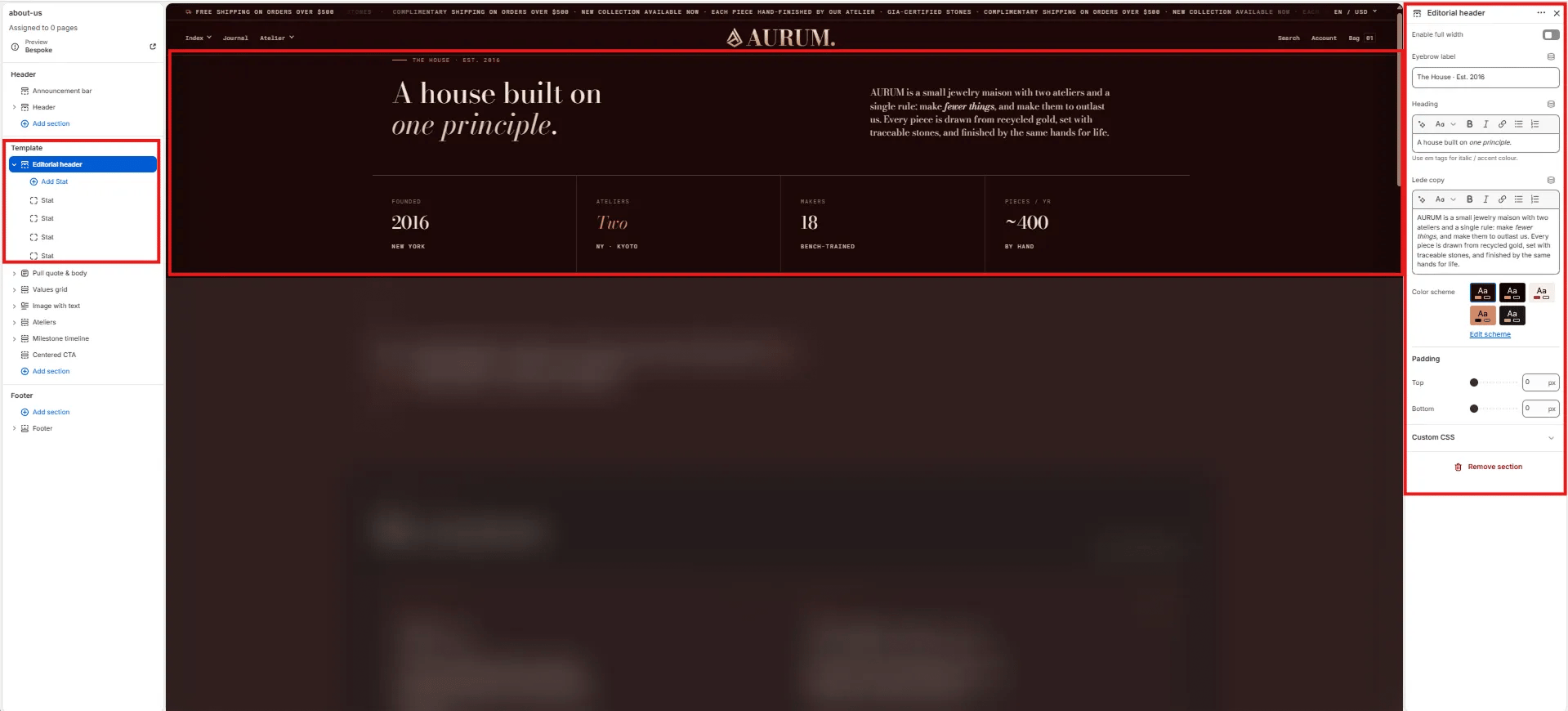
- Click Add section and select Editorial header.
- Add Stat blocks to populate the bottom stats row.
- Click Save.
Section Settings
Content
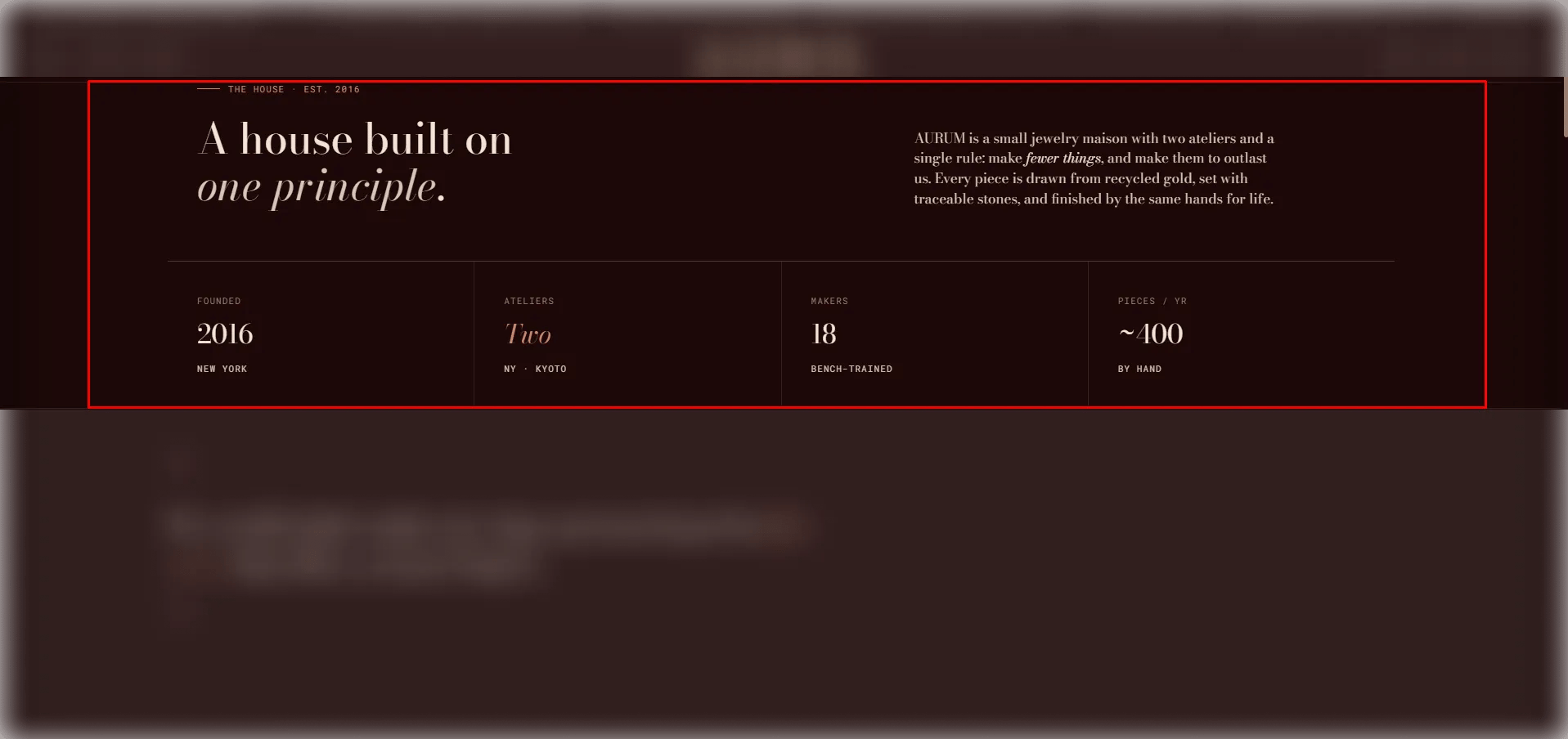
- Eyebrow: Small label displayed above the main heading.
- Heading: The main editorial heading. Supports rich text and italic emphasis for mixed-style typesetting.
- Lede: An introductory paragraph displayed below the heading. Supports full rich text formatting.
Style
- Full width: When enabled, the section stretches edge-to-edge.
- Color scheme: Choose a color scheme for the section.
Spacing
- Padding top / Padding bottom: Control vertical spacing around the section.
Stat Block Settings
Each Stat block adds one key-value data cell to the bottom stats row of the header. Add as many as needed.- Label: The label or category for this stat (e.g., “Founded”).
- Value: The primary value displayed prominently. Supports rich text and italic emphasis.
- Sublabel: A secondary line below the value (e.g., a location, qualifier, or note).