How to Add the Section
- From your Shopify admin, go to Online Store → Themes and click Customize.
- Navigate to your FAQ page.
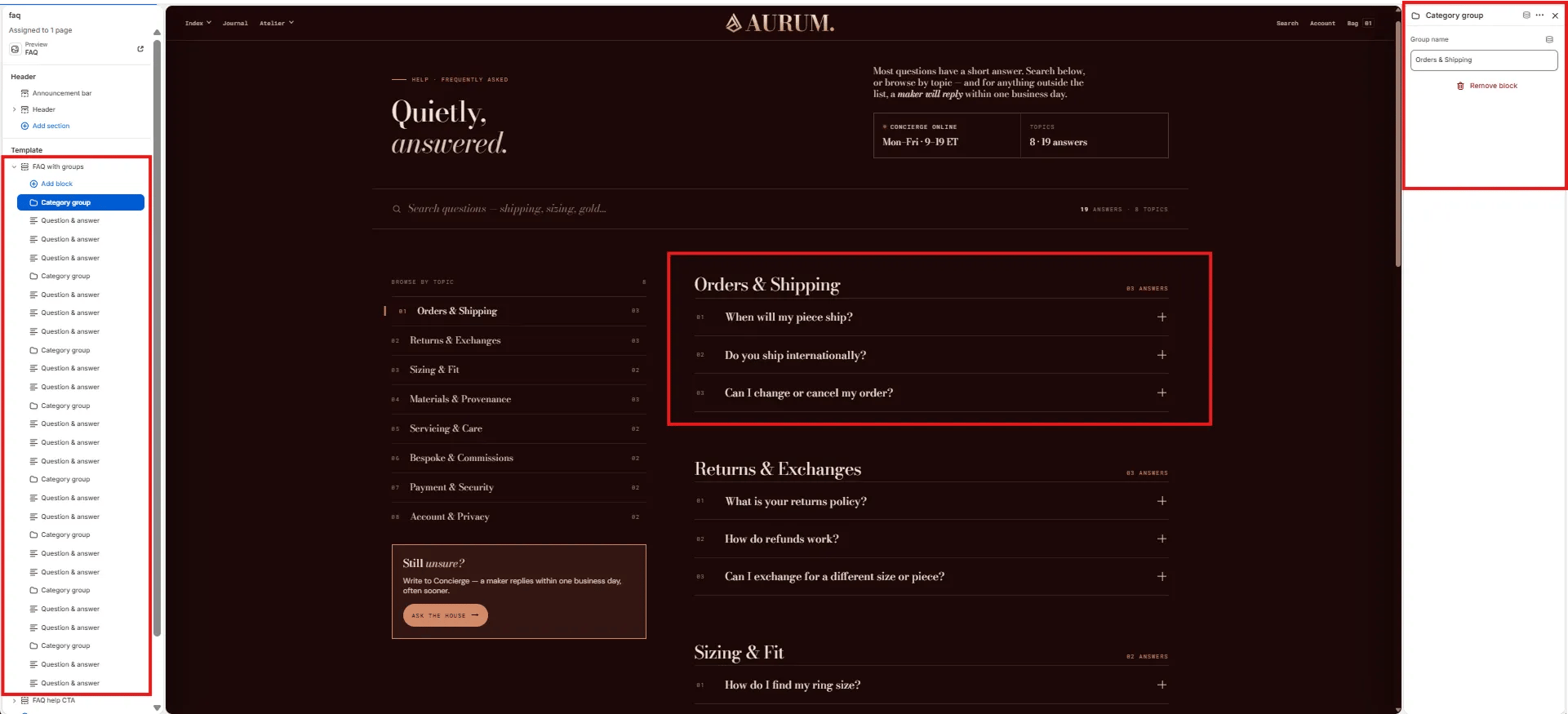
- Click Add section and select FAQ with groups.
- Add Group blocks as category separators, then add Item blocks beneath each group.
- Click Save.
Section Settings
Content
- Full width: When enabled, the section stretches edge-to-edge across the viewport.
- Eyebrow: Small label displayed above the heading.
- Heading: Main section heading. Supports rich text and italic emphasis.
- Heading typography: Select the typographic style for the heading.
- Lede: An introductory paragraph below the heading. Supports rich text.
- Meta 1 label / value: A metadata pair displayed in the header (e.g., “Updated / January 2026”).
Search
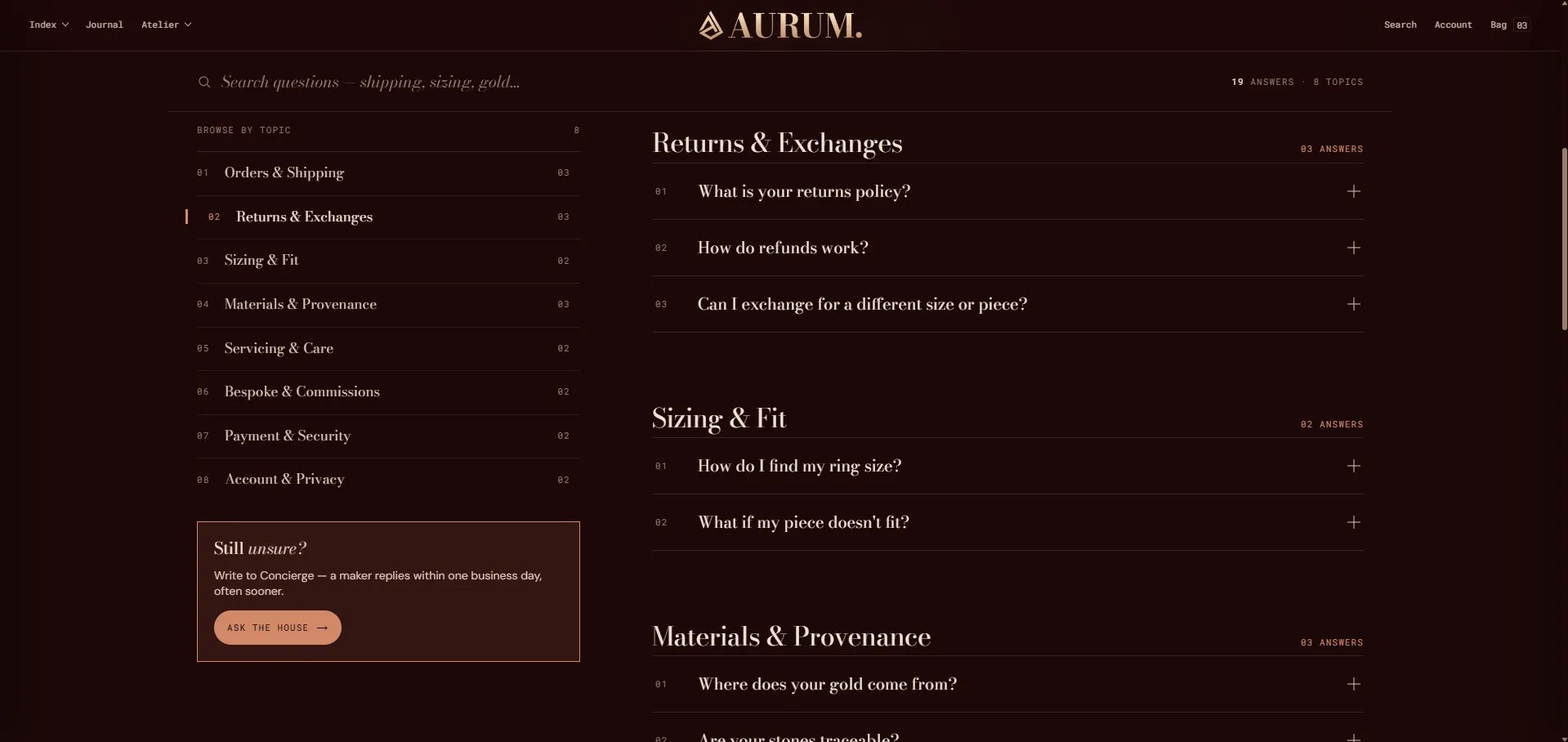
- Show search: Toggle to display a live search field above the FAQ. The field filters questions in real-time as the customer types.
- Search placeholder: Placeholder text inside the search field.
Sidebar CTA
- Rail CTA heading: Heading for the sidebar CTA card. Supports rich text.
- Rail CTA body: Body text for the sidebar CTA card.
- Rail CTA label / URL: Button label and link destination for the sidebar CTA.
Advanced
- Show structured data: When enabled, the section injects FAQ structured data (JSON-LD) into the page, making it eligible for Google FAQ rich results in search.
Style
- Color scheme: Choose a color scheme for the section.
Spacing
- Padding top / Padding bottom: Control vertical spacing around the section.
Group Block Settings
A Group block acts as a category heading that visually separates sets of related questions.- Group name: The category heading text displayed above the questions in this group.
Item Block Settings
Each Item block is one question-and-answer pair within the accordion.- Question: The question text shown in the accordion header.
- Answer: The answer content revealed when the accordion is expanded. Supports rich text formatting.
- Link 1 label / URL: An optional first related link shown inside the answer.
- Link 2 label / URL: An optional second related link shown inside the answer.