How to Add the Section
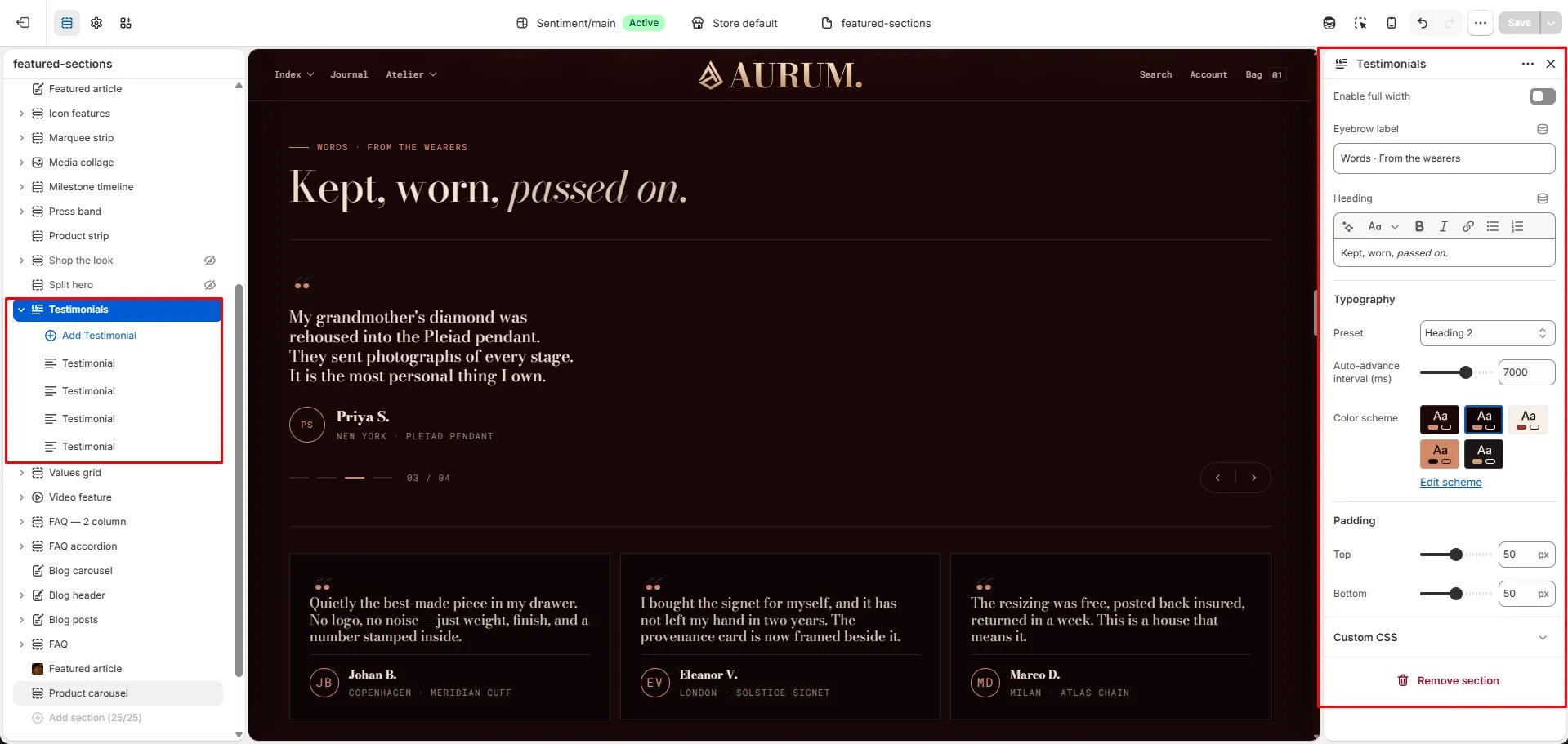
- From your Shopify admin, go to Online Store → Themes and click Customize.
- Navigate to the page where you want to add this section.
- Click Add section and select Testimonials.
- Add Testimonial blocks for each customer review.
- Click Save.
Section Settings
Content
- Eyebrow: Small label above the heading.
- Heading: Main section heading. Supports rich text and italic emphasis.
- Heading typography: Select the typographic style for the heading.
Behaviour
- Auto interval: Time in milliseconds between automatic slide advances (range: 3000–9000ms, step 1000ms). Default is 7000ms (7 seconds).
Style
- Full width: When enabled, the section stretches edge-to-edge.
- Color scheme: Choose a color scheme for the section.
Spacing
- Padding top / Padding bottom: Control vertical spacing around the section.
Testimonial Block Settings
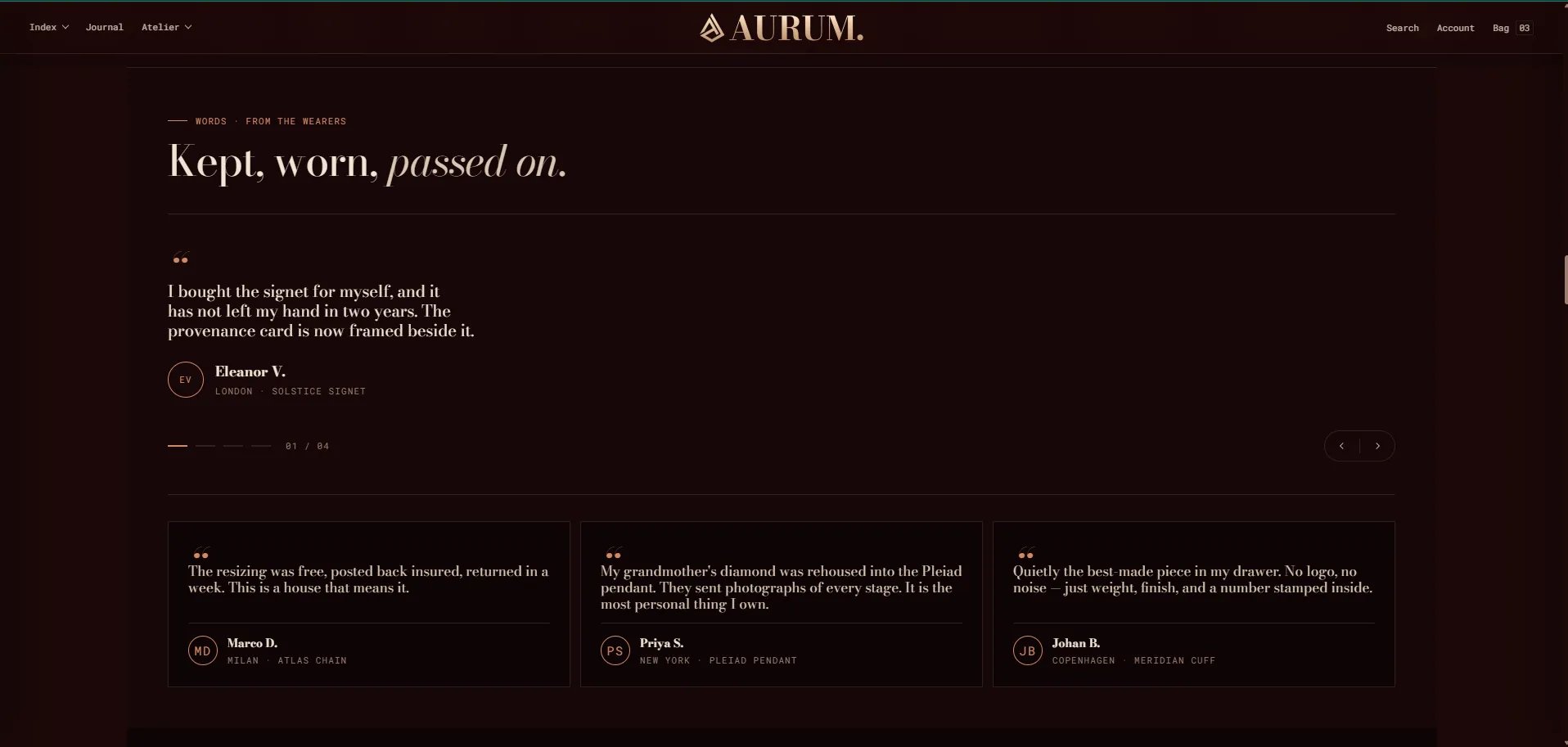
Each Testimonial block is one customer review in the carousel. You can add up to 12 testimonials.- Quote: The customer review text displayed in the featured quote stage.
- Author name: The customer’s full name or display name.
- Author location: The customer’s location (e.g., “London” or “New York”).
- Product name: The product the customer is reviewing (displayed on the card).
- Initials: The customer’s initials, used as an avatar placeholder in the side cards (e.g., “EV”).