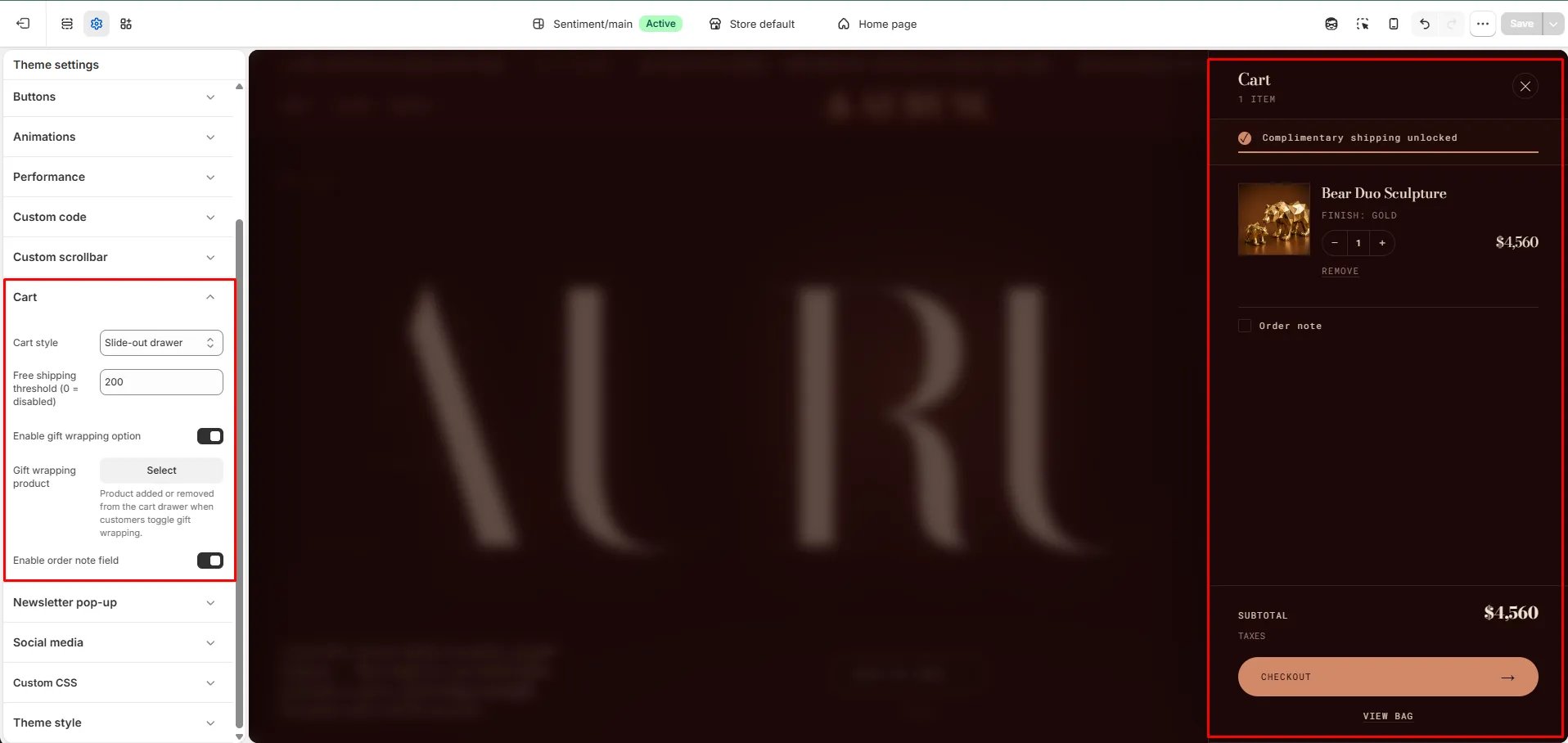
How to Configure the Cart Drawer
- From your Shopify admin, go to Online Store → Themes and click Customize.
- Click the Theme settings icon (gear icon) in the left sidebar.
- Select Cart from the settings list.
- Set the Cart style to Slide-out drawer.
- Configure the remaining settings and click Save.
Settings
For full details on all cart configuration options — including free shipping threshold, gift wrapping, and order notes — see the Cart section in Theme Settings.