How to Add the Section
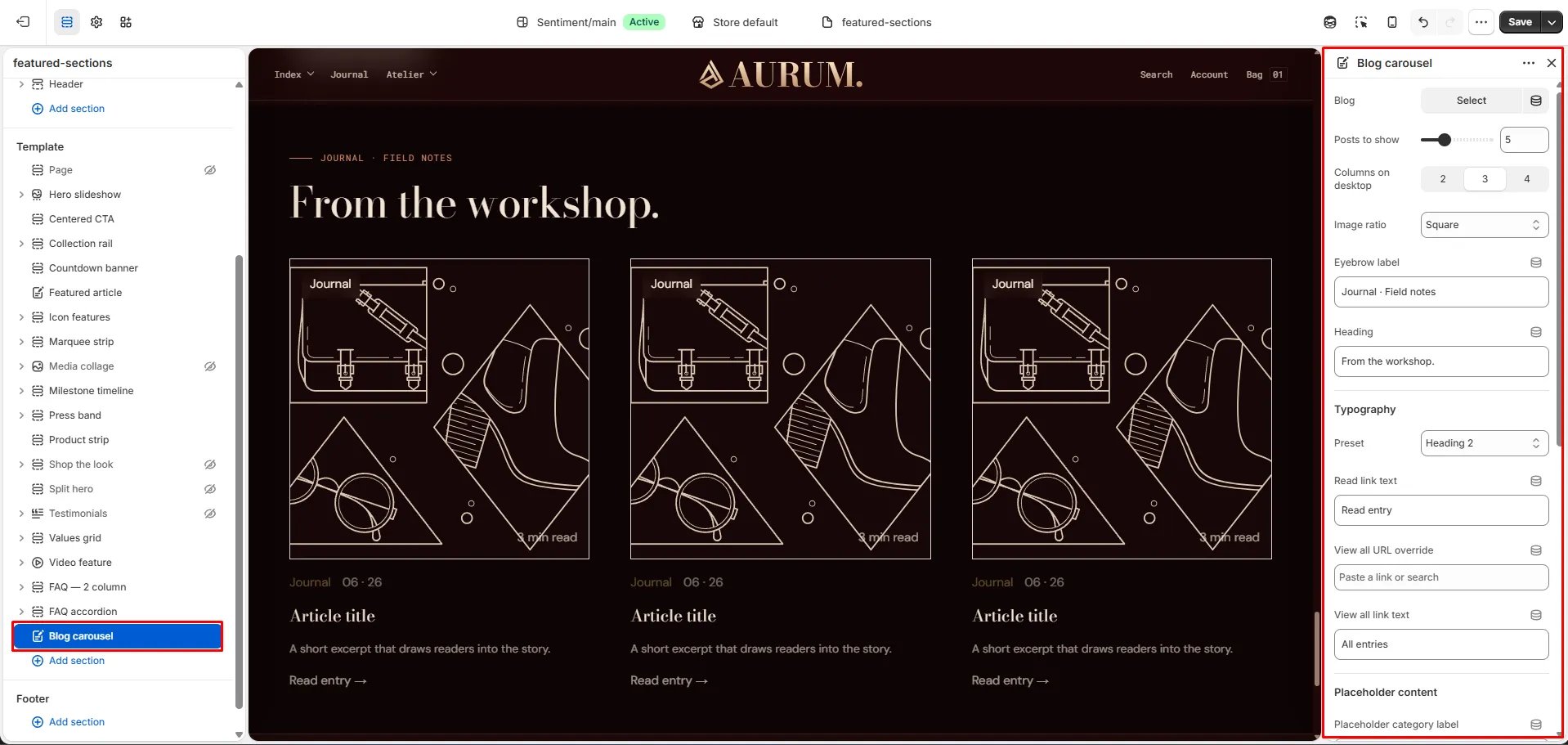
- From your Shopify admin, go to Online Store → Themes and click Customize.
- Navigate to the page where you want to add this section.
- Click Add section and select Blog carousel.
- Select a blog, configure the display settings, and click Save.
Section Settings
Content
- Eyebrow: Small label displayed above the heading.
- Heading: Main section heading.
- Heading typography: Select the typographic style for the heading.
- Read label: The text shown on the read link for each article card (default: “Read →”).
- View all URL / View all label: Link and label for a “view all” CTA displayed at the end of the carousel.
Source
- Blog: Select the blog to pull articles from.
- Posts to show: Number of article cards to display (range: 3–10).
Display
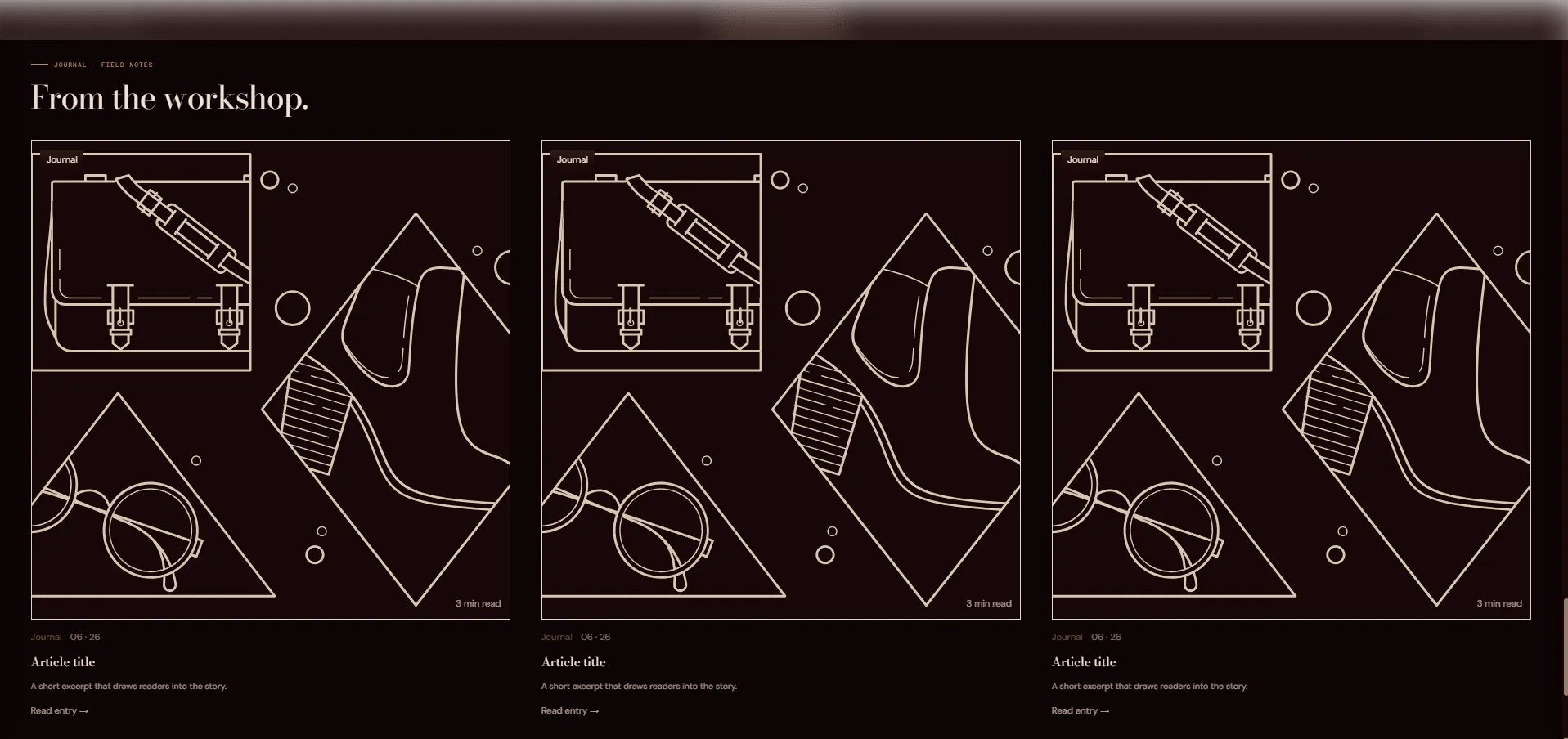
- Columns desktop: Number of article cards visible at once on desktop (2, 3, or 4).
- Image ratio: Aspect ratio for article card images — Portrait, Square, Landscape, or Adapt.
Placeholder Content (editor only)
- Placeholder category / title / excerpt: Fallback text shown in the theme editor when no blog is selected.
Style
- Color scheme: Choose a color scheme for the section.
Spacing
- Padding top / Padding bottom: Control vertical spacing around the section.