How to Add the Section
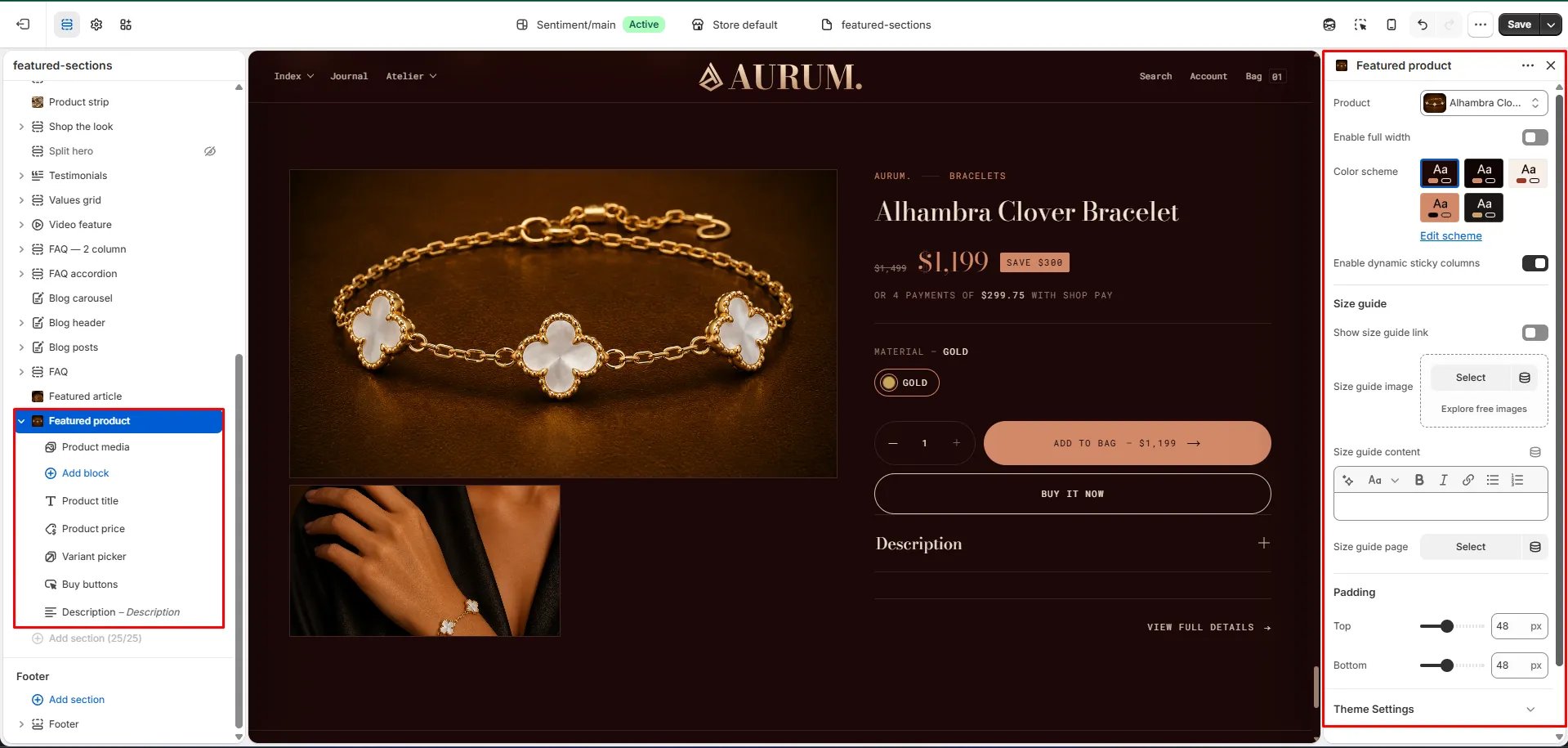
- From your Shopify admin, go to Online Store → Themes and click Customize.
- Navigate to the page where you want to add this section.
- Click Add section and select Featured product.
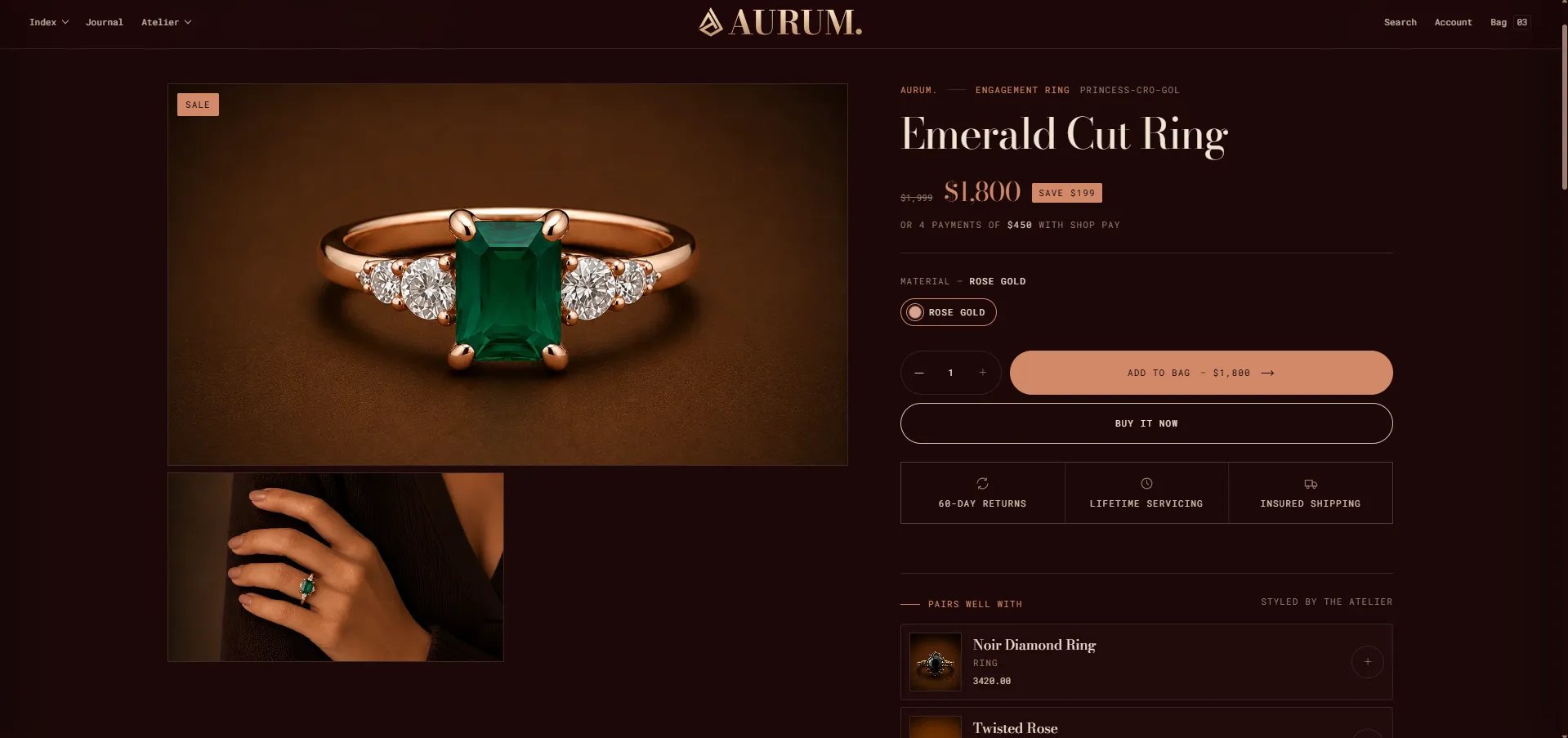
- Select a product and configure the display settings.
- Click Save.
Section Settings
- Product: Select the product you want to feature in this section.
- Color scheme: Choose a color scheme to control the section’s background and text colors.
- Enable sticky info: When enabled, the product information column stays fixed on screen as the customer scrolls through the media gallery, keeping the buy box always in view.
Block Settings
This section uses the theme block system to build the buy box. You can add and reorder the following blocks within the section:- Product media: Renders the product’s full media gallery — images, videos, and 3D models.
- Custom liquid: Insert custom Liquid code anywhere in the buy box for advanced use cases.
- @theme blocks: Add any compatible theme blocks to extend the buy box layout.
- @app blocks: Add blocks from installed Shopify apps (e.g., reviews, loyalty programs).