How to Add the Section
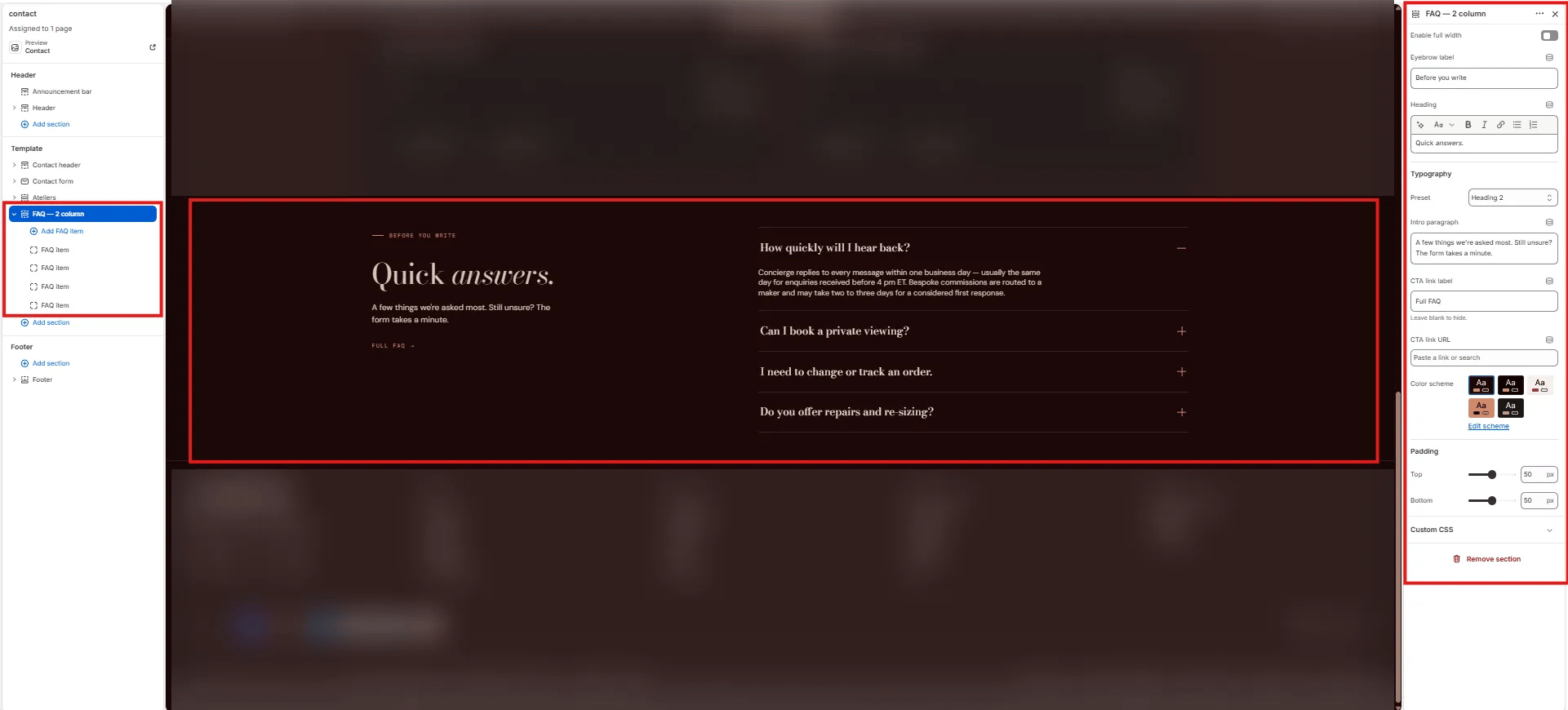
- From your Shopify admin, go to Online Store → Themes and click Customize.
- Navigate to the page where you want to add this section.
- Click Add section and select FAQ - 2 column.
- Add FAQ item blocks for each question and answer.
- Click Save.
Section Settings
Content
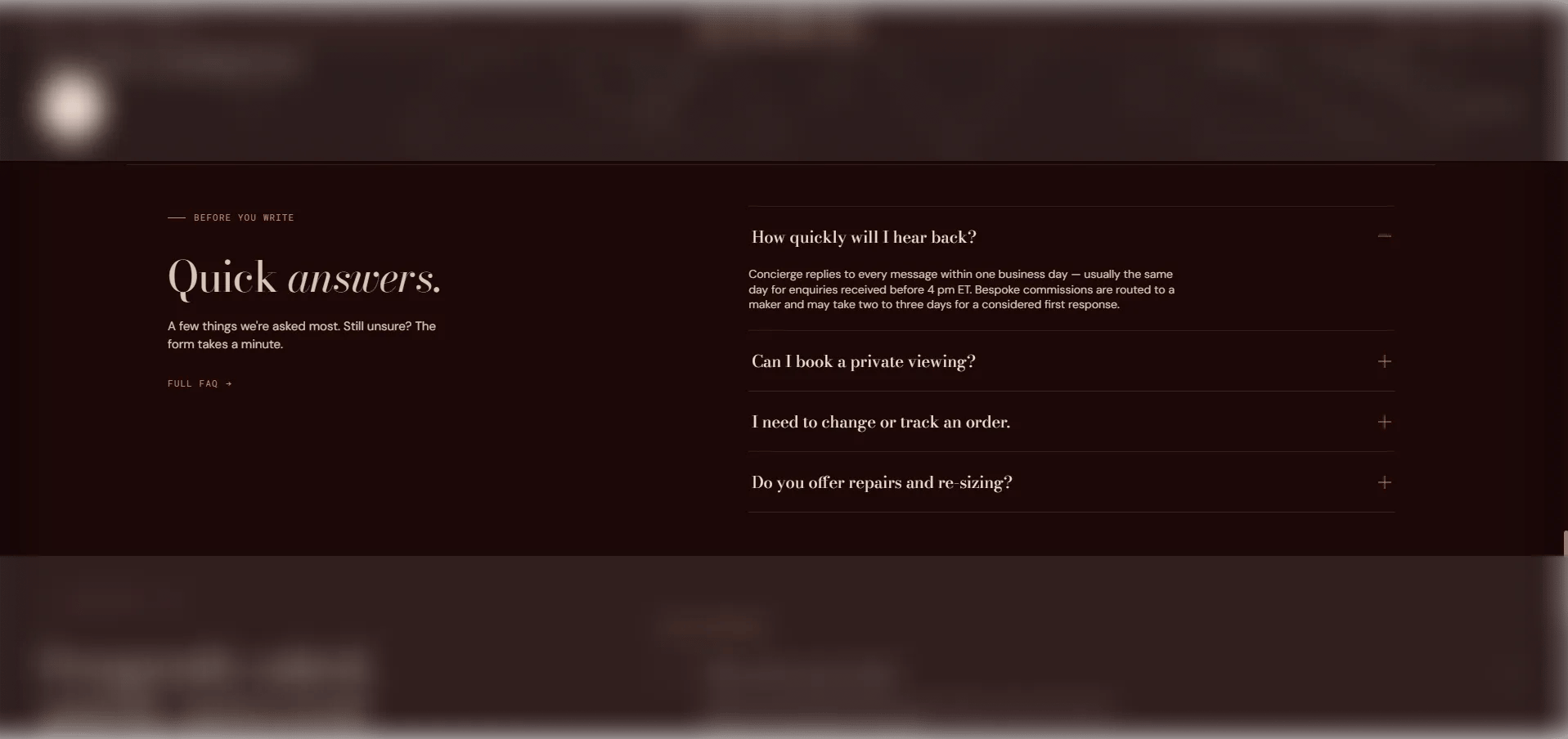
- Eyebrow: Small label above the left column heading.
- Heading: Main section heading displayed in the left column. Supports rich text and italic emphasis.
- Heading typography: Select the typographic style for the heading.
- Body: Supporting text displayed below the heading in the left column.
- CTA label / URL: An optional link displayed below the accordion in the right column. Leave the URL blank to hide it.
Style
- Full width: When enabled, the section stretches edge-to-edge.
- Color scheme: Choose a color scheme for the section.
Spacing
- Padding top / Padding bottom: Control vertical spacing around the section.
FAQ Item Block Settings
Each FAQ item block is one accordion question-and-answer pair displayed in the right column.- Question: The question text shown in the accordion header.
- Answer: The answer content revealed when expanded. Supports rich text formatting.