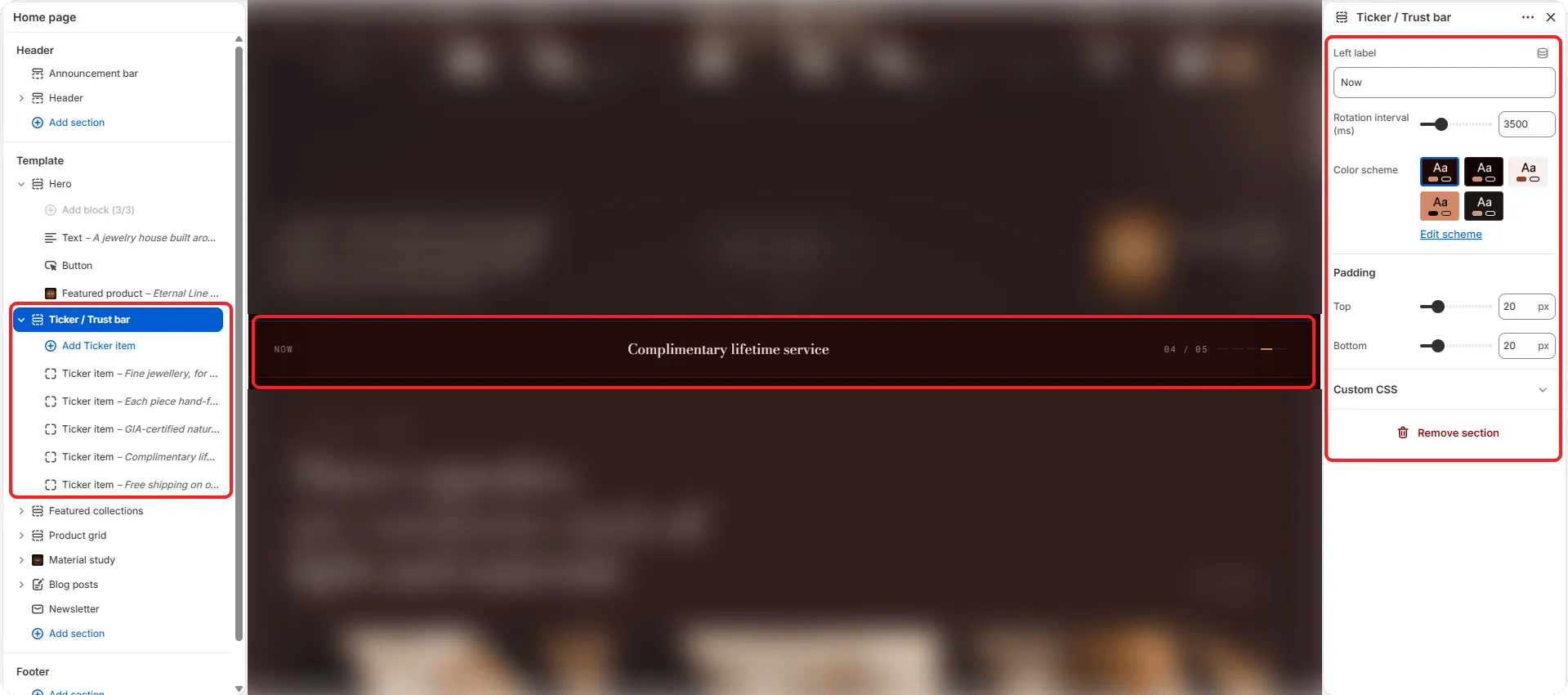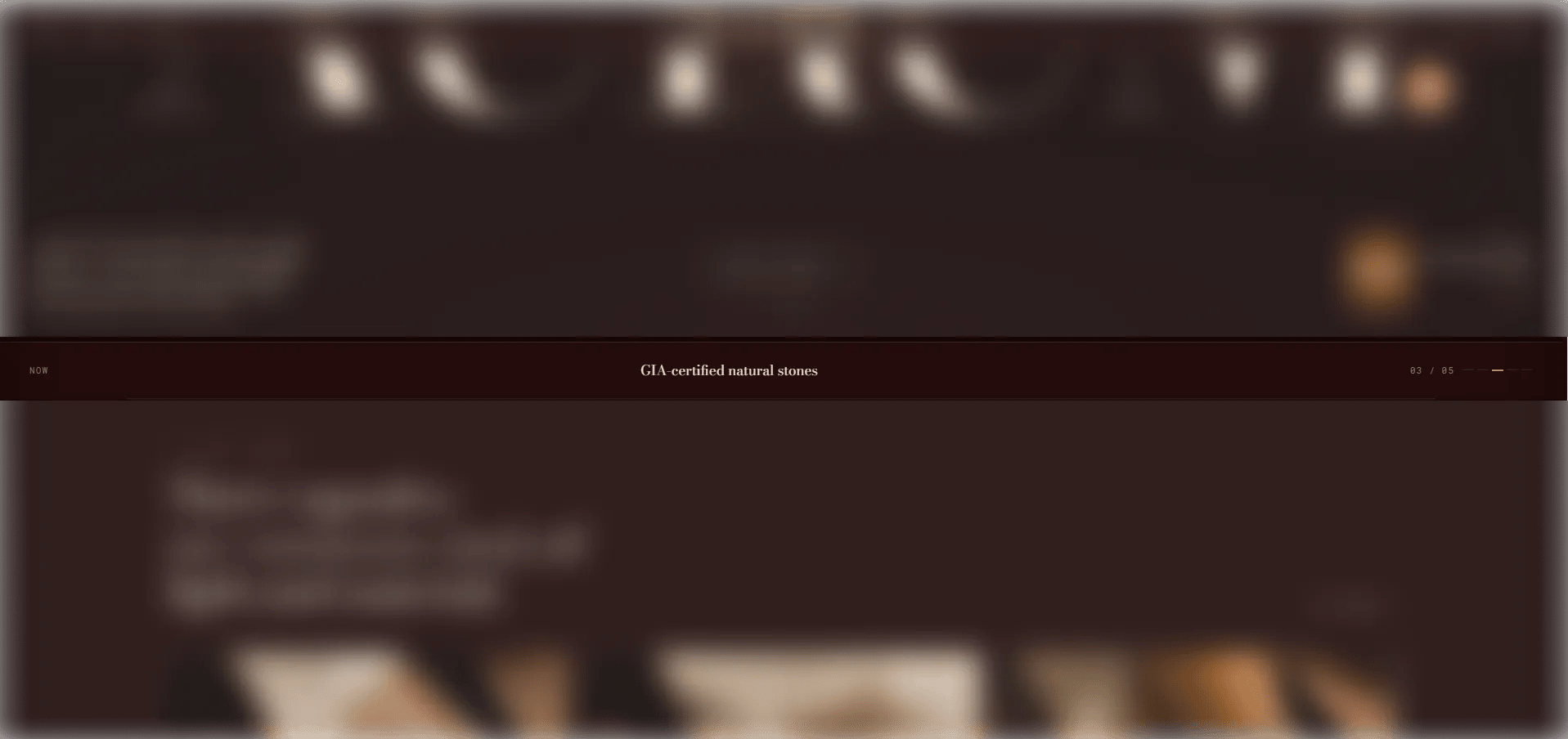
How to Add the Section
- From your Shopify admin, go to Online Store → Themes and click Customize.
- Navigate to the page where you want to add this section.
- Click Add section and select Ticker / Trust bar.
- Add Item blocks for each trust signal (up to 8 items).
- Click Save.
Section Settings
Content
- Label: A persistent left-side label displayed before the cycling items begin (default: “House · Standards”).
Behaviour
- Interval: Time in milliseconds between each automatic item advance (range: 2000–8000ms, step 500ms). Default is 3500ms.
Style
- Color scheme: Choose a color scheme for the section.
Spacing
- Padding top / Padding bottom: Control vertical spacing around the section.
Item Block Settings
Each Item block is one trust signal in the ticker. You can add up to 8 items.Icon
- Image: Upload a small icon image for this item. Takes priority over the SVG field if both are provided.
- Icon: Paste custom SVG path data for the icon (used only if no image is uploaded).
Content
- Text: The trust signal statement displayed next to the icon (e.g., “Complimentary insured shipping — worldwide”).