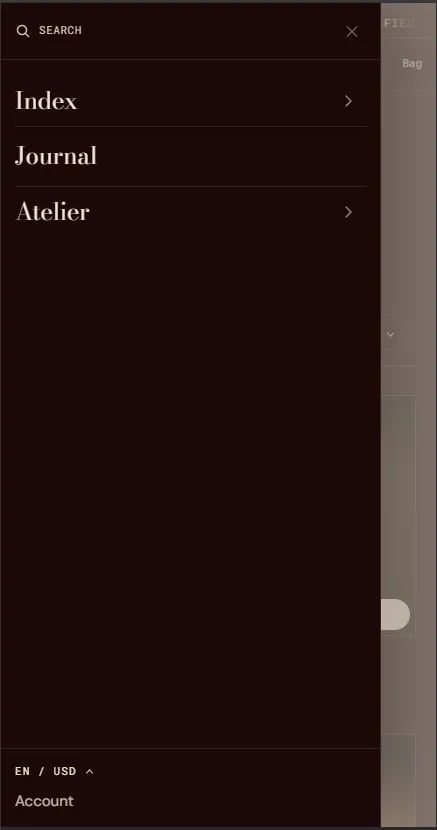
How to Configure the Mobile Menu
The mobile menu automatically mirrors the navigation menu set in the Header section. To update it:- From your Shopify admin, go to Online Store → Themes and click Customize.
- Select the Header section in the left sidebar.
- Change the Navigation menu setting to update the links shown in both the desktop header and the mobile menu.
- Click Save.