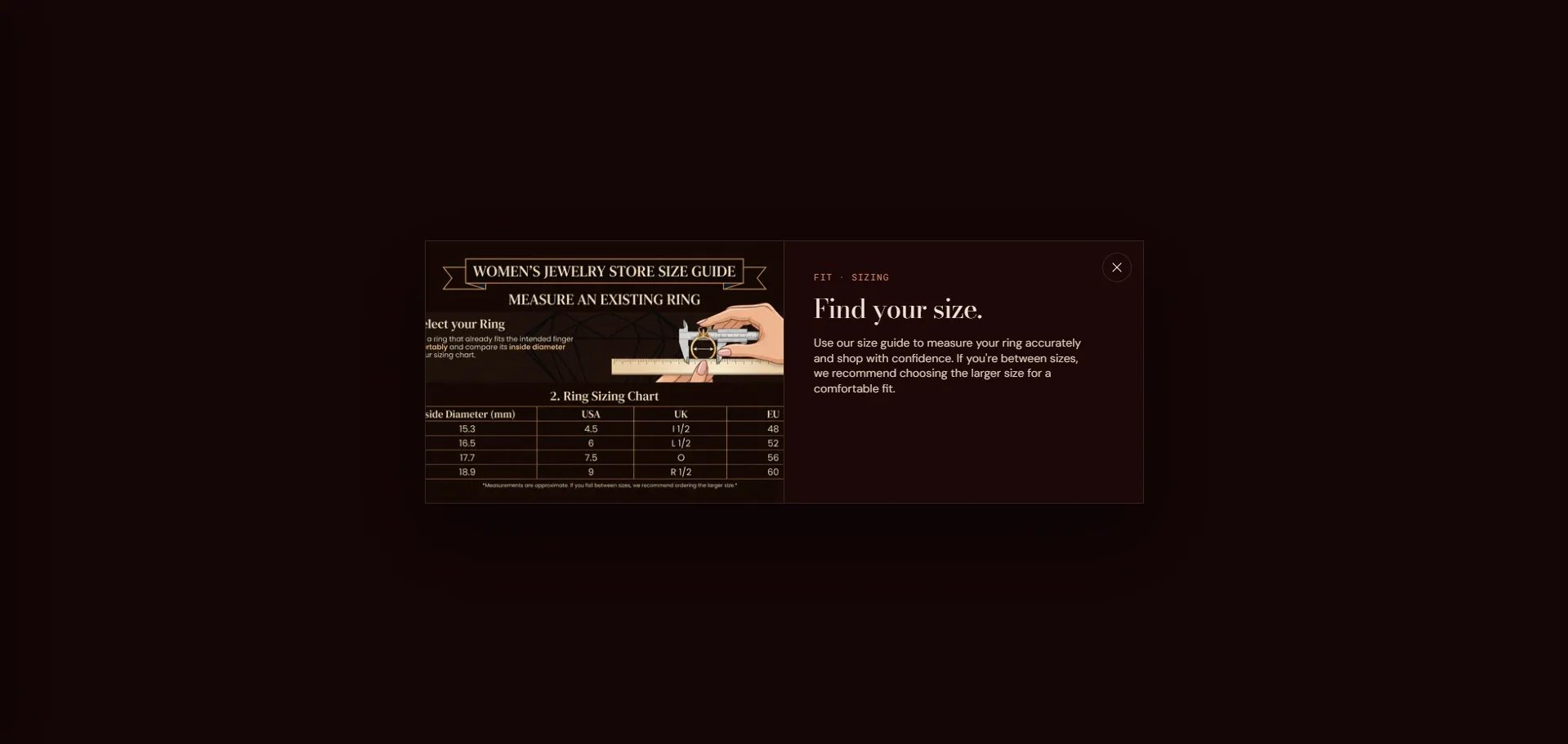
How to Configure the Size Chart
- From your Shopify admin, go to Online Store → Themes and click Customize.
- Navigate to a Product template page.
- Select the Product section in the left sidebar.
- Enable Show size guide to activate the size chart trigger on the product page.
- Upload a Size guide image or add Size guide content (rich text), or select a Size guide page to pull content from a Shopify page.
- Click Save.
Settings (within the Product section)
- Show size guide: Toggle to display the size guide link on the product page.
- Size guide image: Upload an image (e.g., a size chart graphic) to display in the modal.
- Size guide content: Add rich text content directly to the modal.
- Size guide page: Select a Shopify page to pull its content into the modal — useful for maintaining a single source of truth for sizing information.